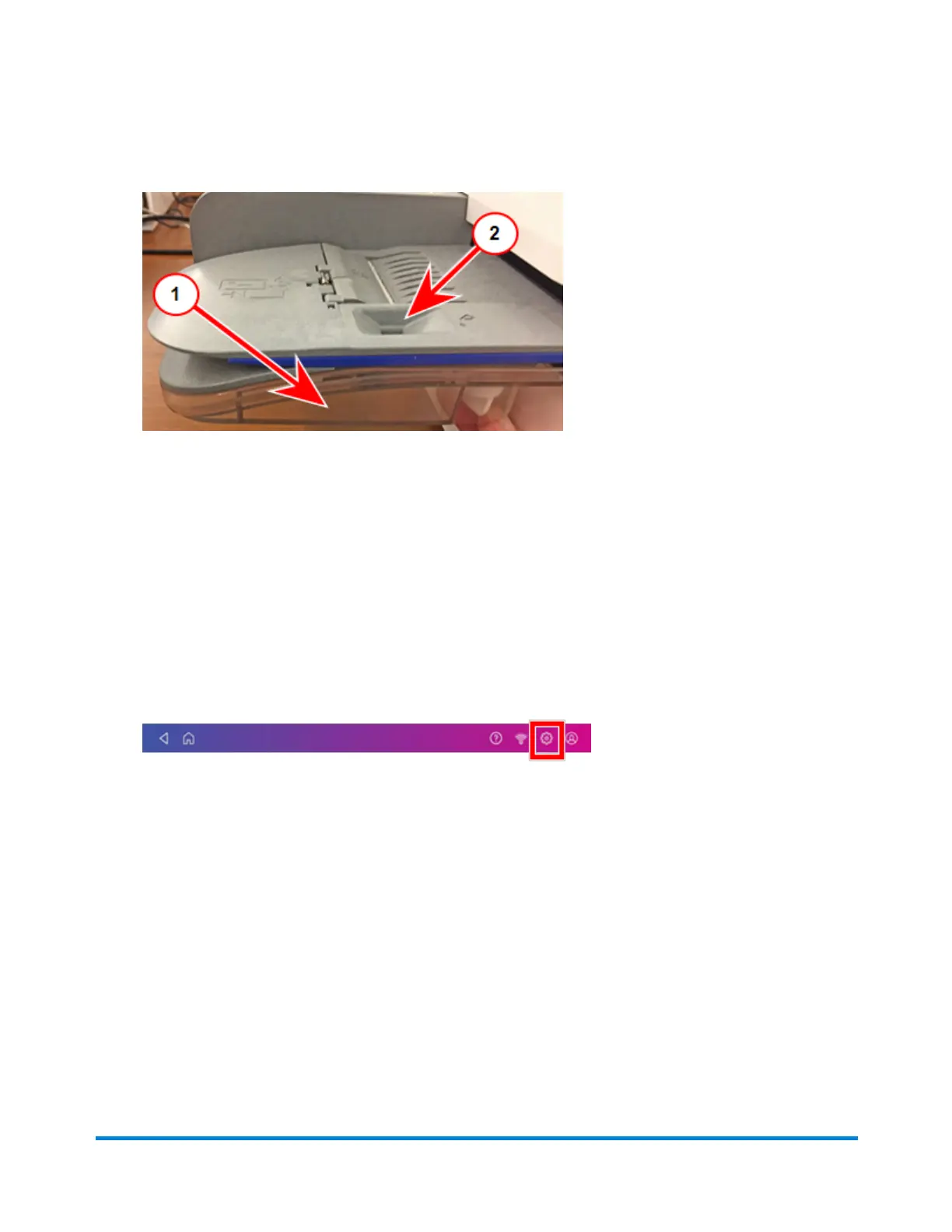
1. Check the level of E-Z Seal® in your moistener tank (1).
2. Add enough E-Z Seal® to bring the sealant level up to the bottom of the fill hole (2). Do not
overfill the tank.
3. If the tank is empty, allow 30 minutes for the moistener brush and wick to get completely wet.
Replacing the ink cartridge
Replace the ink cartridge when the low ink warning appears. This ensures your device is in optimal
working condition.
1. Tap Settings.
2. Scroll down and tap Mail Printer Maintenance.
3. Tap Install Ink.
4. Lift the top cover. The ink cartridge moves to the front position.
Quick start guide
Pitney Bowes Operator Guide April 2022 53












 To Next Page