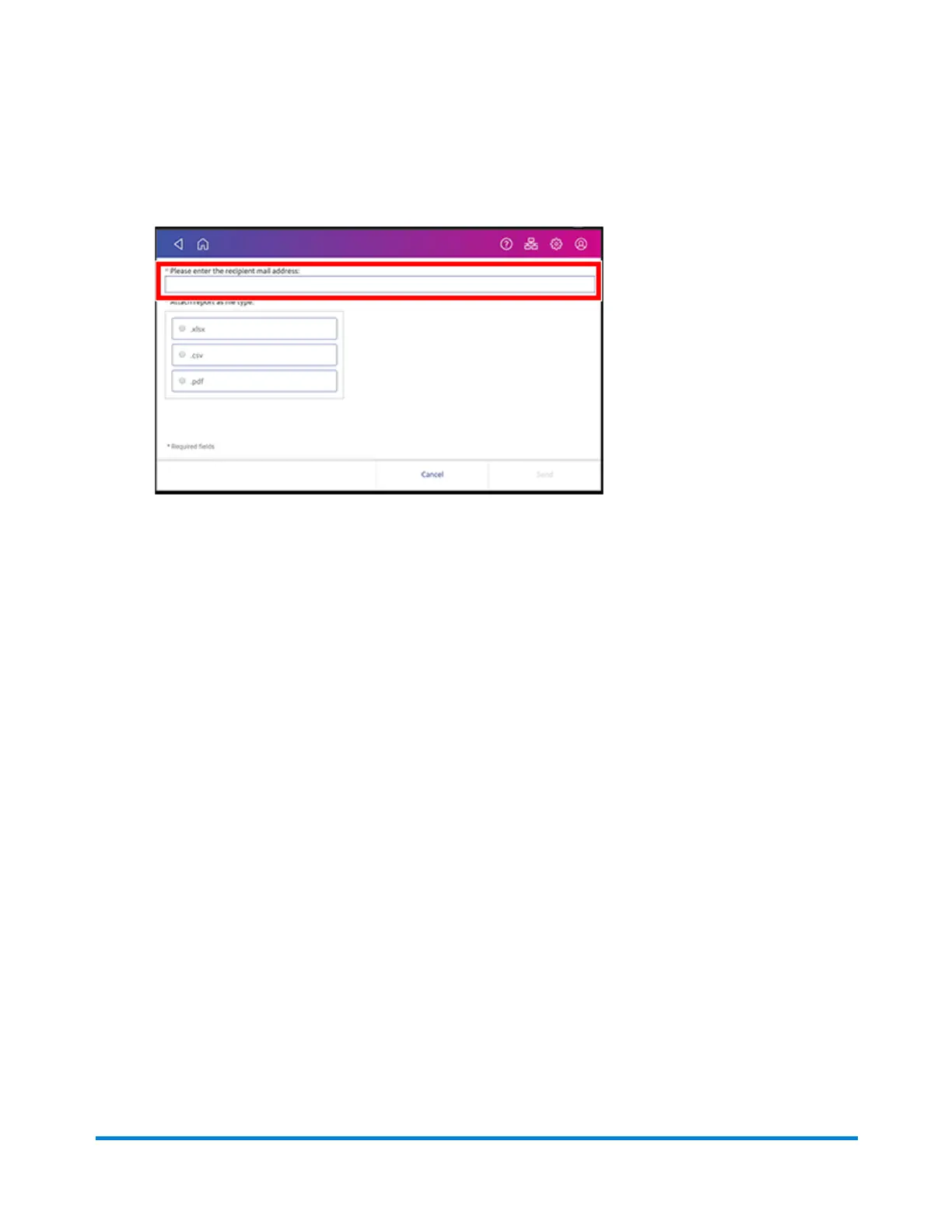
9. Tap in the Please enter the recipient mail address box and enter the recipient's email
address. The email address you enter will remain until you turn off then turn on the device.
10. Tap the file type you wish to send: xlsx (Excel), csv (comma-separated values), pdf (Portable
Data Format).
11. Tap Send. The report appears from no-reply@pb.com.
Setting the report period for an account
Set the reporting period of an account report by setting its start and end dates.
1. Tap SendPro Apps on the Home screen.
2. Tap Manage Accounts.
3. Tap Reports.
4. Tap Report period.
View and Print Reports
Pitney Bowes Operator Guide April 2022 177












 To Next Page