6. Enter the amount.
7. Tap Apply.
Using cost accounts to charge back shipping label
postage
You can assign the costs for a shipping label to an account when you create the label. In order to use
cost accounts for label postage, you need to turn on the cost accounts feature.
1. Tap SendPro Apps on the Home screen, then tap Cost Accounts.
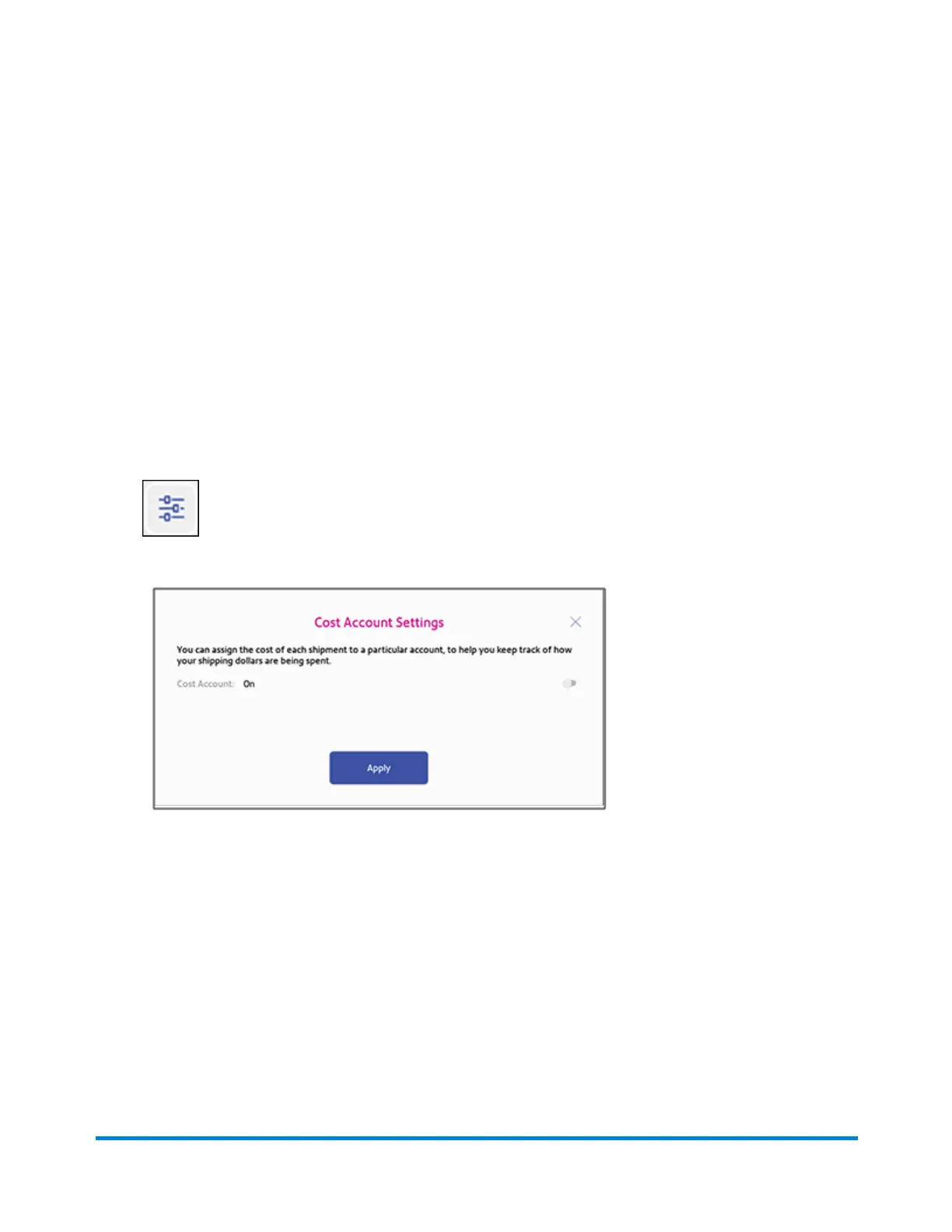
2. Tap the Cost Account settings image in the upper right corner of the Cost Accounts screen.
If cost accounts are not enabled, you will see this screen.
Managing Shipping Labels
Pitney Bowes Operator Guide April 2022 125












 To Next Page