Installing the SendPro C, SendPro+
Follow these instructions to install a SendPro C, SendPro+ for the very first time.
1. Before you begin
2. Open the box
3. Unpack the device
4. Install the printhead
5. Install the ink cartridge
6. Connect device to a power source
7. Continue installation steps
Before you begin
Before you begin the installation of your new SendPro C, SendPro+:
l
Set up your postage payment method
l
Choose your connection type
l
Get account and password information
Set up your postage payment method
Pitney Bowes offers different options to pay for postage for mailing and shipping. You must set up how
you are going to pay for postage before you can use your device. For more information visit paying for
postage.
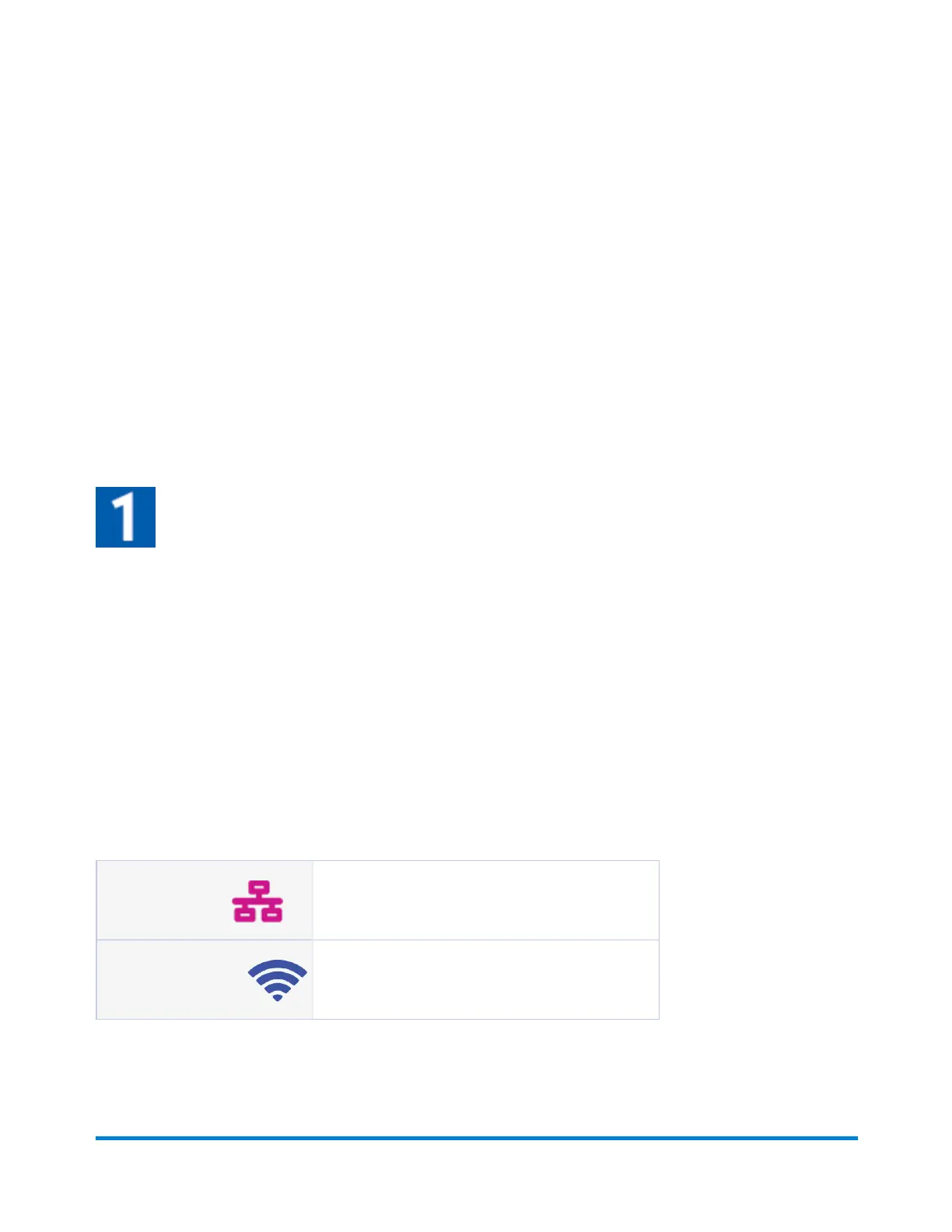
Choose your connection type
Wired Connections
Take about 10 minutes to set up
Require an ethernet port and power outlet.
Wireless Connections
Take about 15 minutes to set up
Require access to a wireless network and power outlet.
Quick start guide
Pitney Bowes Operator Guide April 2022 10












 To Next Page