Get account and password information
To set up your device, you need:
l
The email address and password that you use to sign into Your Account on Pitney Bowes.
l
If you need to set up Your Account, use a browser on your computer to visit Your Account and
click Register Now.
To print shipping labels you need:
l
Your SendPro Online or PitneyShip email address and password for that account.
l
If you have logged into Your Account on Pitney Bowes, or if you have used SendPro Online or
PitneyShip to send a package, you can link to that account and use that email address and
password.
l
If you do not have a shipping label account, you have the option of creating one during the
installation.
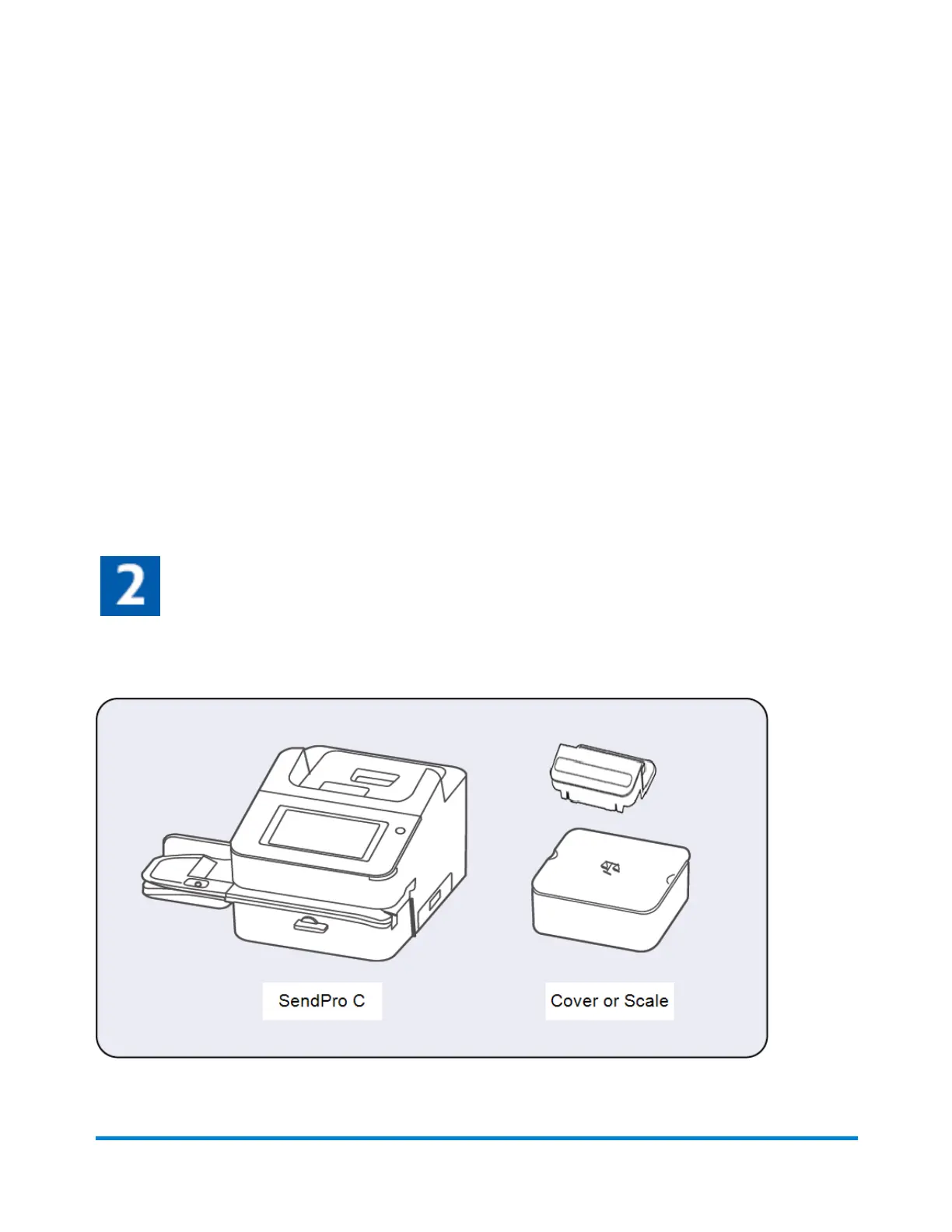
Open the box
In the box you will find:
Quick start guide
Pitney Bowes Operator Guide April 2022 11












 To Next Page