5. Settings - View or change your device and app settings. This includes adjusting the screen
brightness, setting sound notification levels, and viewing wireless or Ethernet connection
information. For Envelope Printing, this includes setting the default postage refill amount,
installing external scales and performing maintenance. For shipping labels, this includes
managing your carrier accounts and setting up your shipping label printer default values.
6. Profile - View your profile (name and email for shipping label account), log out, or lock your
SendPro C, SendPro+.
Printing a shipping label or printing postage on an
envelope
You can either create a shipping label or print postage on an envelope. For a shipping label, tap
Create Shipping Labels on the Home screen. For postage, tap Envelope Printing on the Home
screen.
Use Create Shipping Labels to get the best pricing, free tracking, and detailed delivery history for
USPS package services. You can also send via UPS® or FedEx®. The packaging options and
benefits are almost identical.
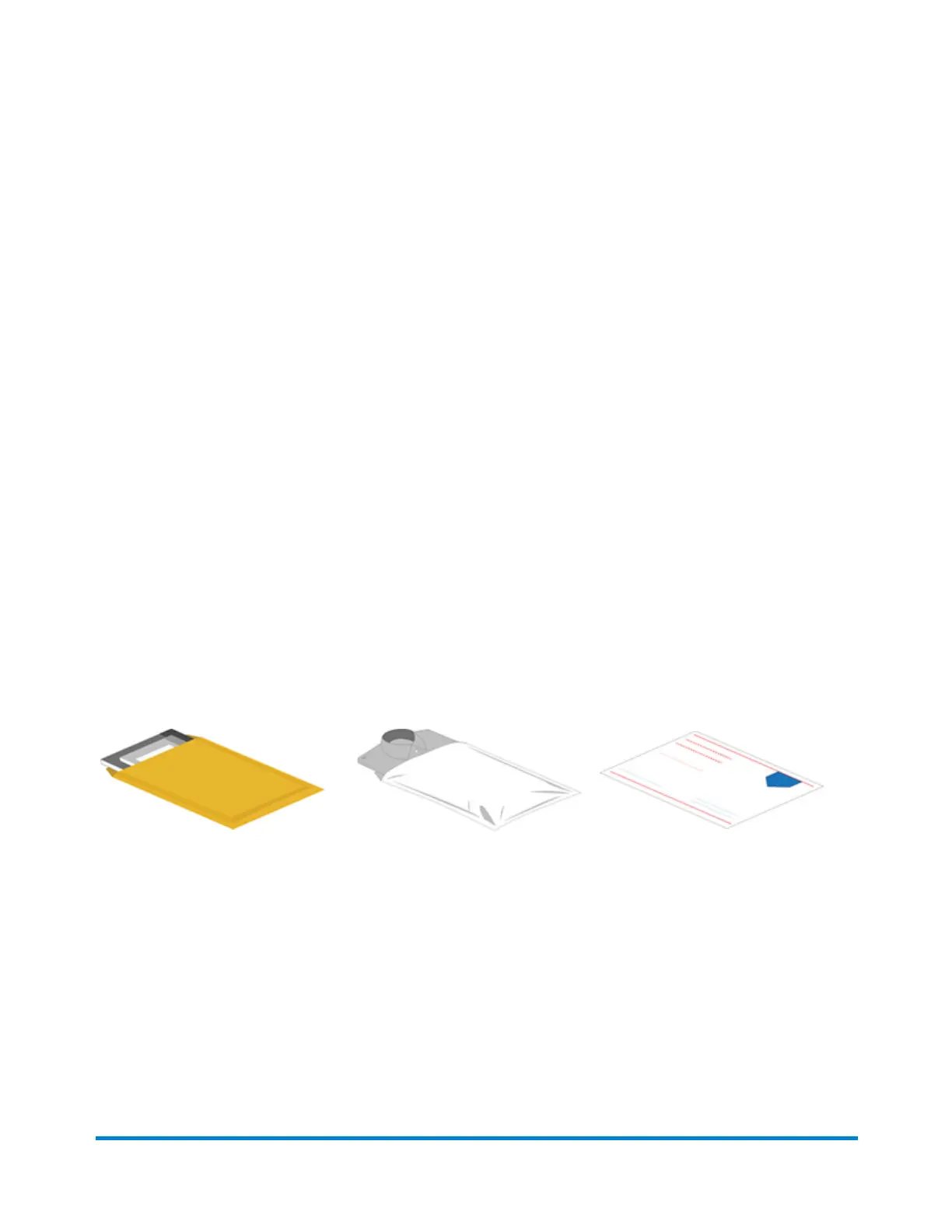
Use Create Shipping Labels for the following
Thick envelopes
Poly mailers
USPS flat rate envelopes
Quick start guide
Pitney Bowes Operator Guide April 2022 24












 To Next Page