3. Select Seal Only.
4. Tap Apply.
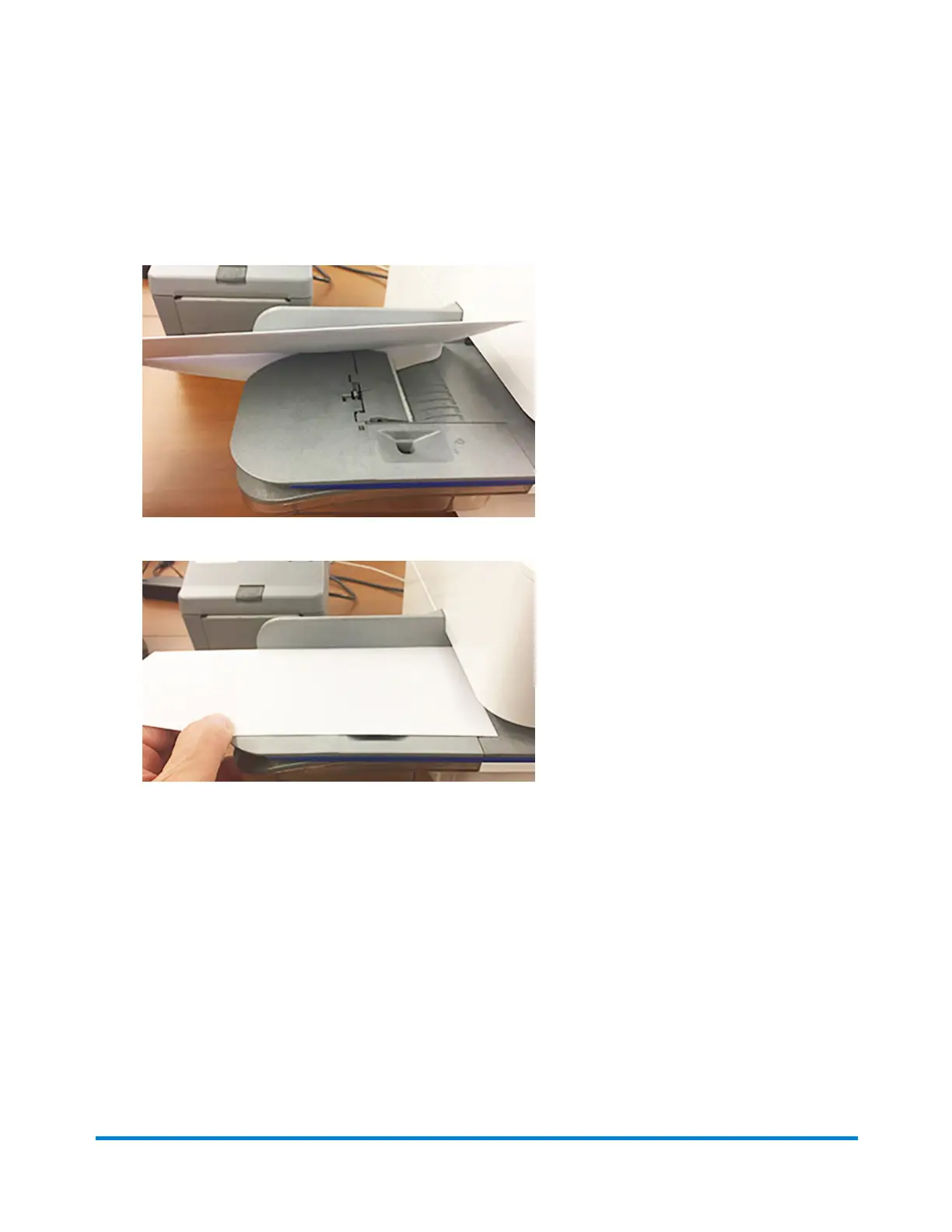
5. Place your envelope face up, flap down into the feeder. Be sure to slide the envelope flap under
the edge of the feed deck.
6. Insert the envelope into the device. The device seals the envelope.
Sealing envelopes when you print postage
You can seal envelopes and print postage at the same time with your SendPro C, SendPro+.
Printing on envelopes
Pitney Bowes Operator Guide April 2022 152












 To Next Page