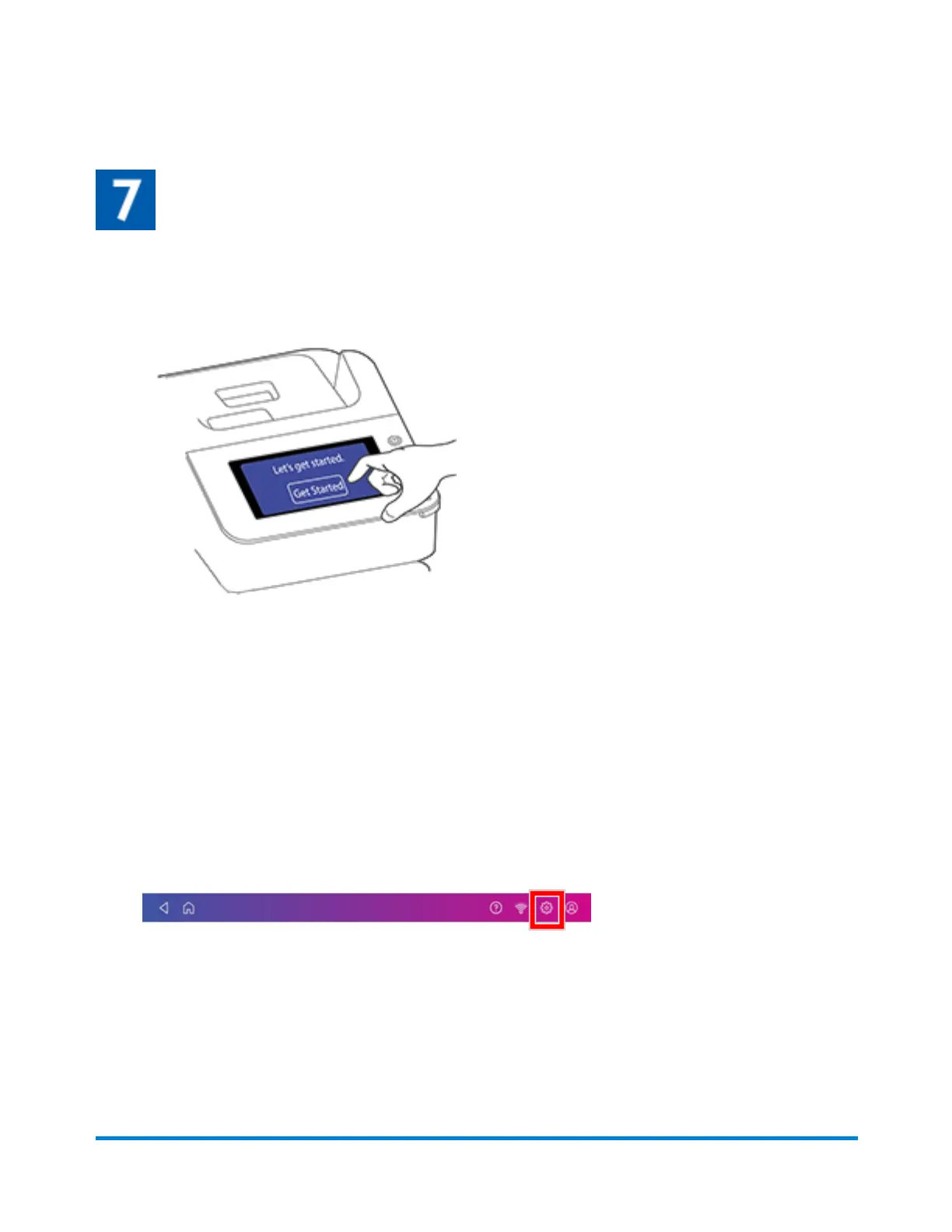
Follow the installation instructions on the device
1. Wait for the device to start up.
2. Tap Get Started on the touchscreen and continue the installation steps on the screen.
3. Tap Got it when you see the message "You're ready to start sending."
Installing a scale
Install a scale if you did not install one when you installed your device. Your device contains step-by-
step installation instructions for compatible scales.
1. Tap Settings.
2. Scroll to the Advanced Device Options section at the bottom of the Settings screen, then tap
Scale Installation Guides.
Managing your Device
Pitney Bowes Operator Guide April 2022 90












 To Next Page