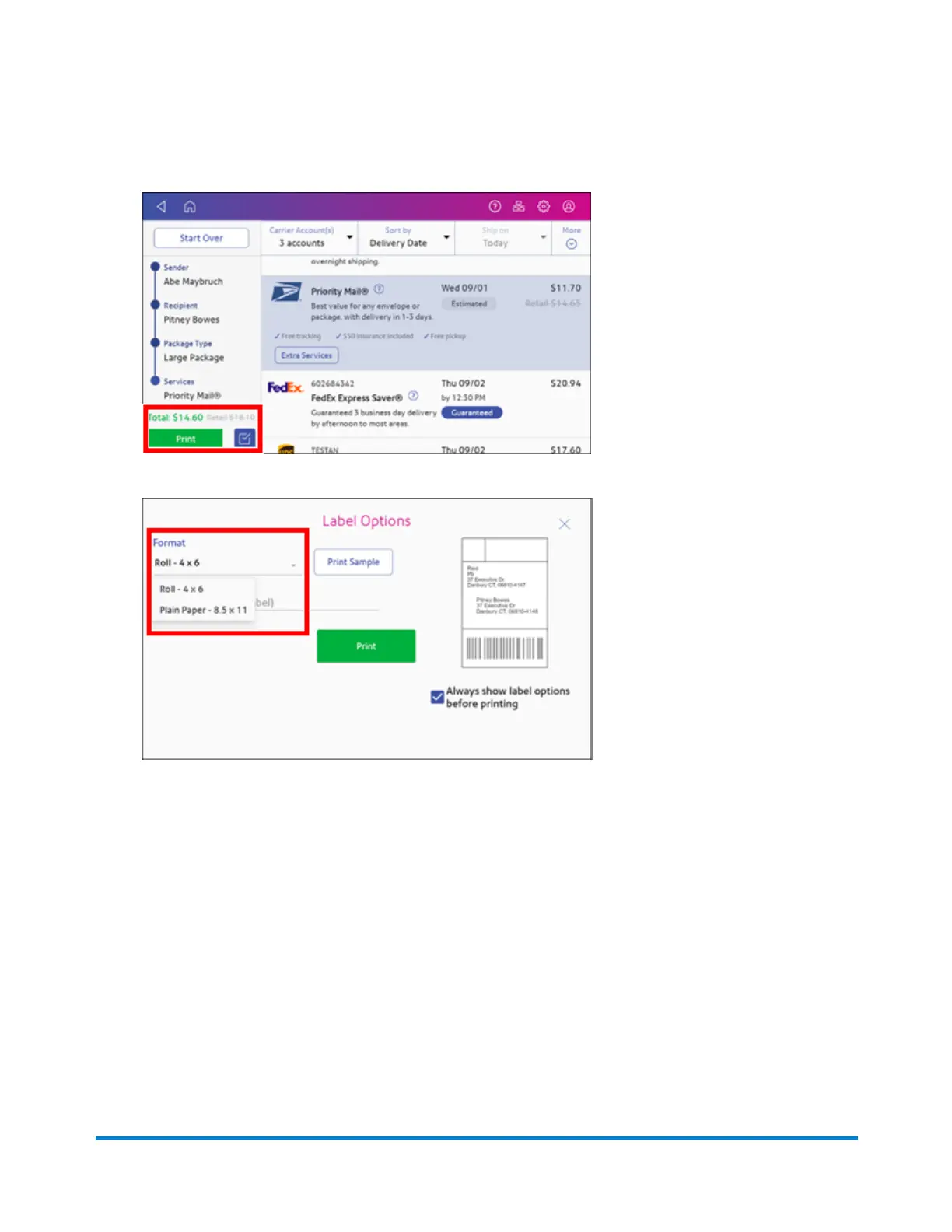
15. Tap Print to print the label.
16. Tap Format and select the label size.
17. (Optional) Tap Print Sample to print a sample label.
18. Tap Print again and the label prints.
l
You may need to enter the Sender and Recipient's phone number, as it is required for some
services.
Tracking a shipment
You can track the packages you sent with shipping labels on your device. The History screen provides
a summary of your past shipping labels, with the Date, Recipient, Carrier, Tracking Number, Status,
and Label Amount.
Quick start guide
Pitney Bowes Operator Guide April 2022 38












 To Next Page