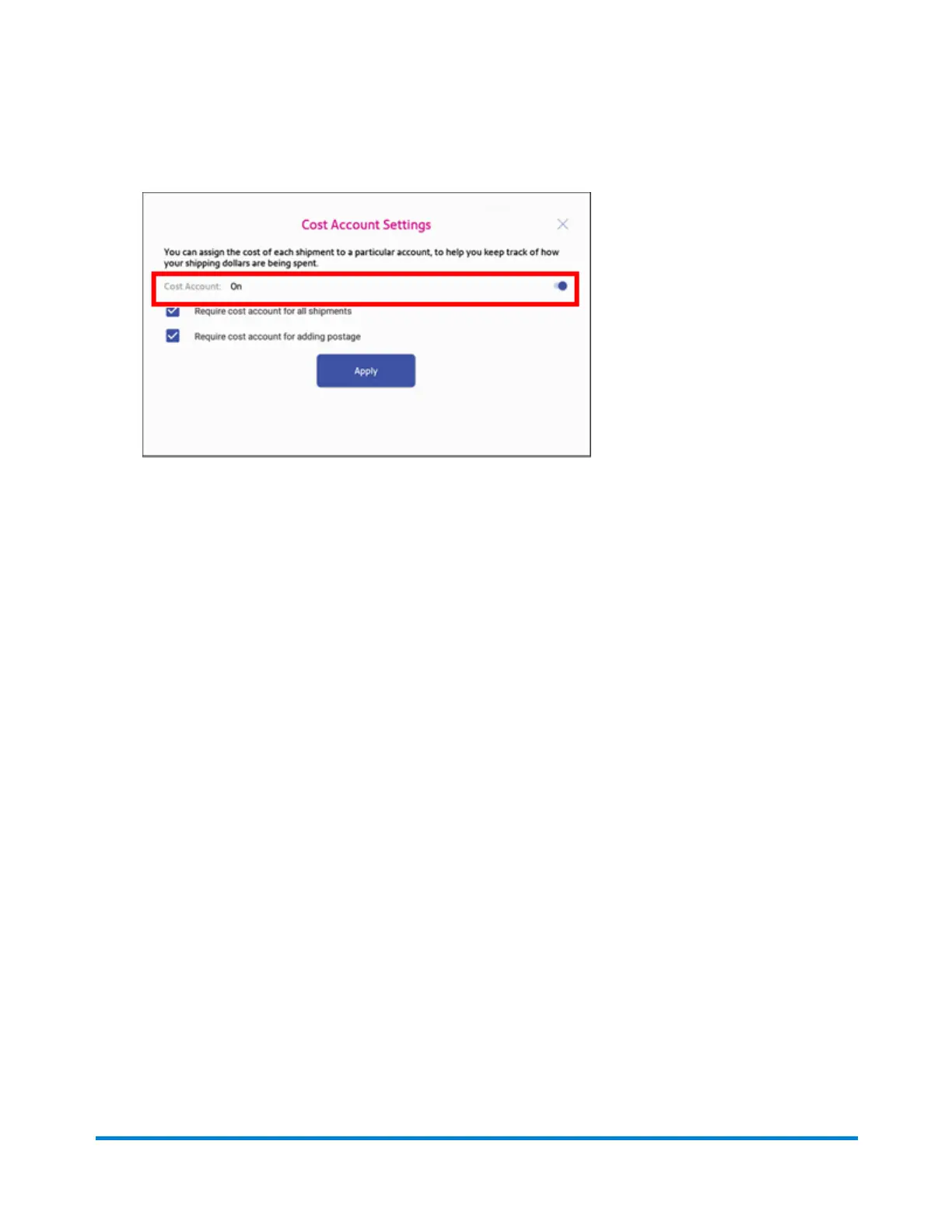
3. To enable, tap the slider next to Cost Account and slide it to the right so that it turns blue.
l
To assign a cost account to every label, tap the check box for Require cost account for all
shipments.
4. Tap Apply.
Once you turn cost accounts on, you will need to have at least 1 cost account to print a shipping label.
Adding a shipping label cost account
Add shipping Cost Accounts to record shipping label usage by department.
1. Open the Shipping Cost Accounts app:
l
Tap SendPro Apps on the Home screen, then tap Cost Accounts.
2. Tap + in the upper left corner of the shipping Cost Accounts screen.
Quick start guide
Pitney Bowes Operator Guide April 2022 40












 To Next Page