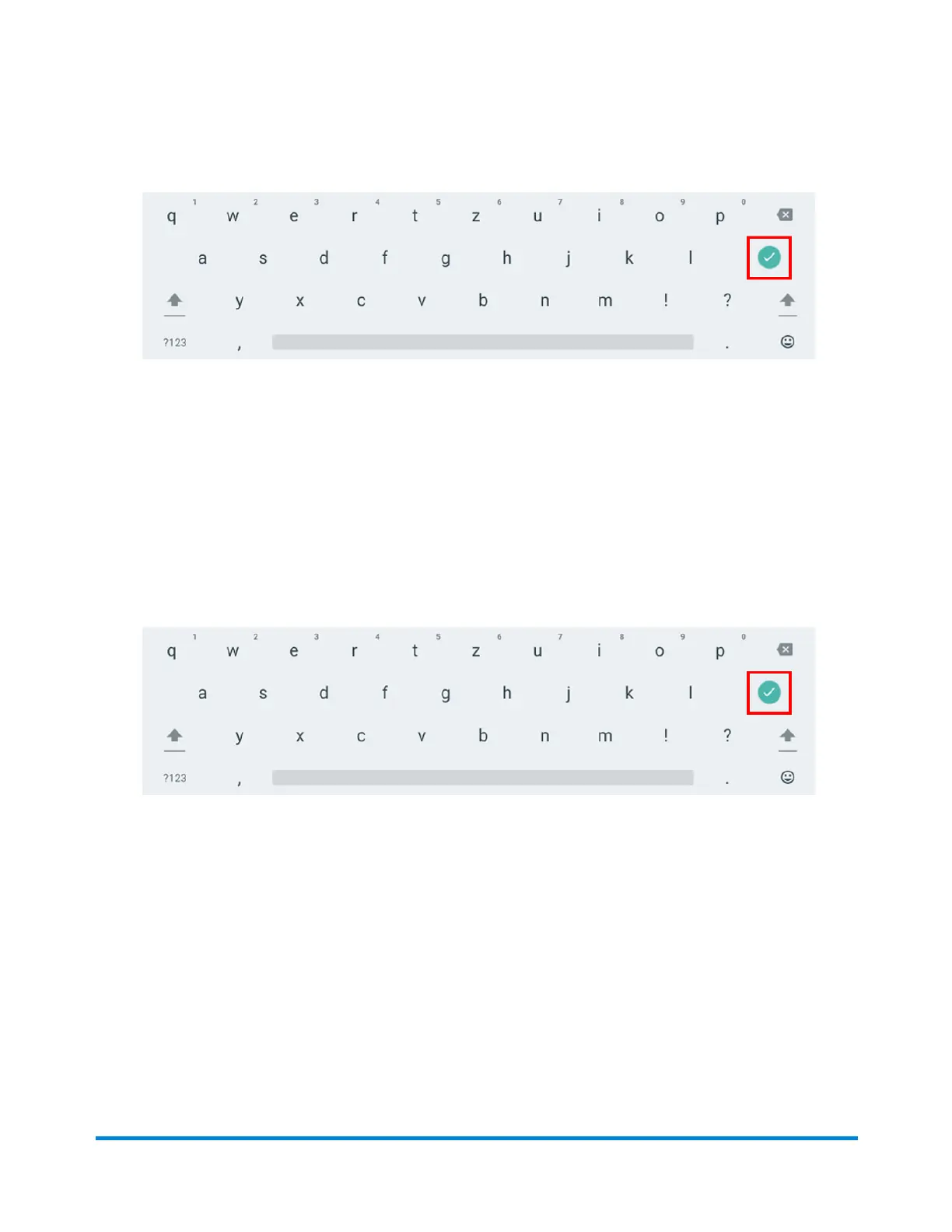
3. Enter the account name, up to 20 characters. Tap Enter when done.
You can use lower case letters, upper case letters, numerals and special characters for the
account name. Acceptable special characters include:
l
- hyphen
l
_ dash
l
' single quote
l
@ at sign
l
. Period
l
and optional description.
4. (Optional) Enter a description of the account up to 200 characters.
5. Tap Enter when done. You can use the same types of characters as for the account name.
6. Tap Active or Inactive. Your selection should be whichever is appropriate for this account.
7. Tap Make this my default Cost Account to make this cost account automatically used for all
shipping labels.
8. Tap Apply.
Adding a Envelope Printing account
You can add a Envelope Printing account to track your costs for printing postage on envelopes. This is
different from your PB account which is used to fund your postage or shipping label costs.
Quick start guide
Pitney Bowes Operator Guide April 2022 41












 To Next Page