Once you have set up your FedEx account using SendPro Online or PitneyShip, you can view and
modify your account information on your device:
You can also take advantage of FedEx SmartPost®. This is a delivery service provided by FedEx for
low-weight packages that allows you to select a USPS facility for the final delivery by a postal carrier.
Important: Be sure to contact FedEx to see if this service is available for your FedEx account.
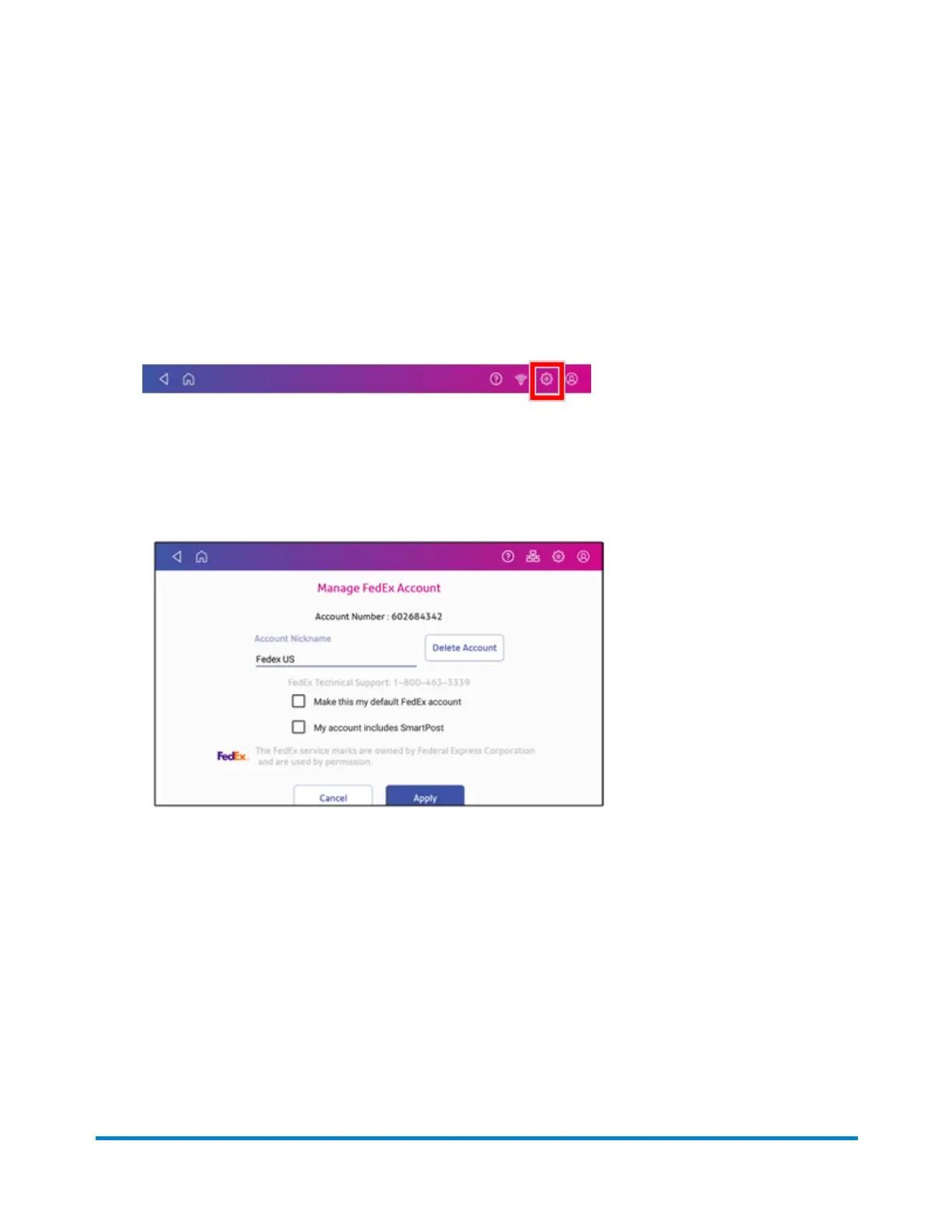
1. Tap Settings.
2. Scroll down to Shipping Settings.
3. Tap Carrier Settings.
4. Tap Manage next to FedEx on the right side of the screen. The Manage FedEx Account screen
appears.
5. Tap the Make this my default FedEx account box to use this as your default FedEx account.
Managing Shipping Labels
Pitney Bowes Operator Guide April 2022 132












 To Next Page