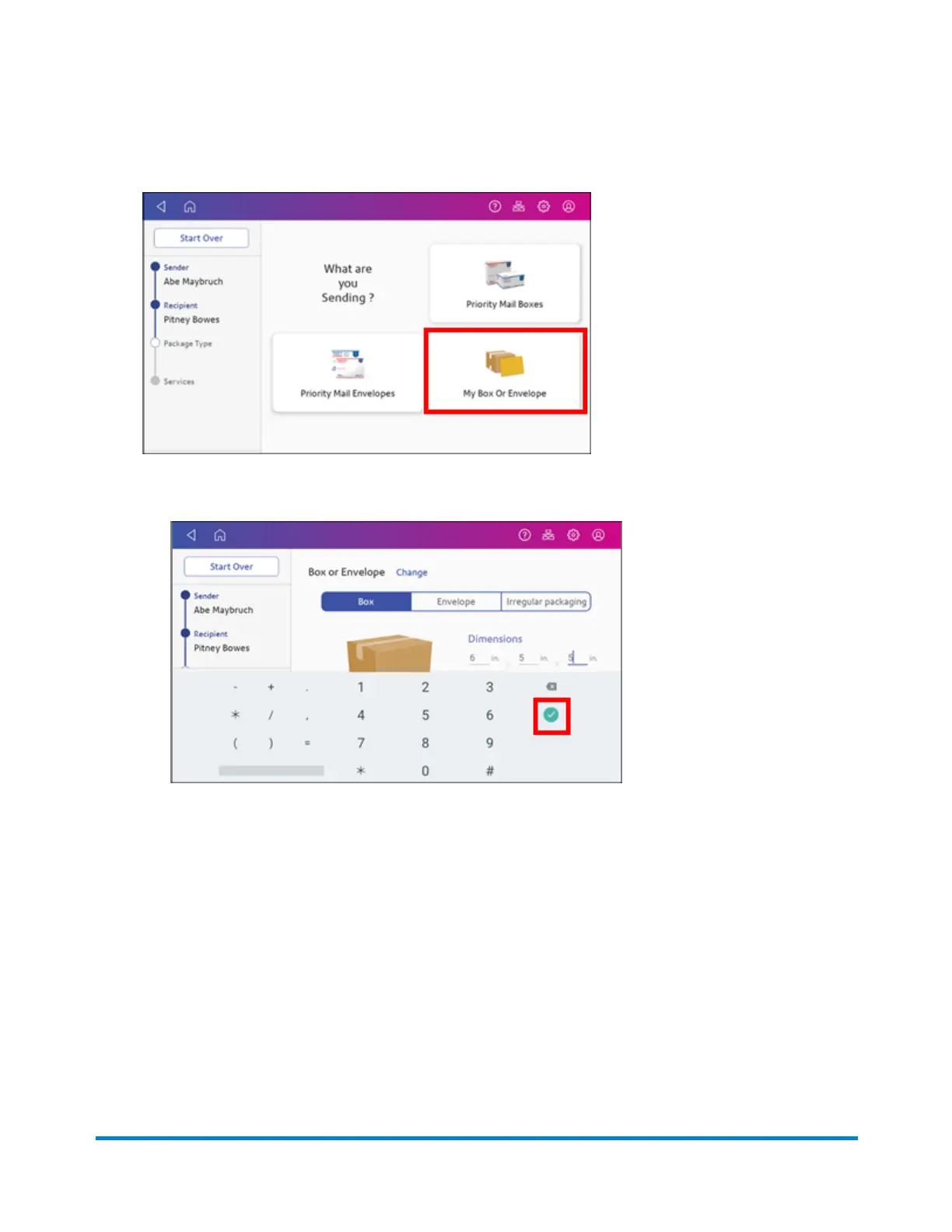
8. Tap a package type.
9. Enter the dimensions and weight of the package:
l
Tap each dimension and enter a value. Tap the green check mark when done.
l
If you have an attached scale, place the package on the scale and tap Weight. Tap Scale
and the weight appears. Tap Apply.
l
If you do not have a scale, tap Weight and enter the weight, then tap Apply.
Quick start guide
Pitney Bowes Operator Guide April 2022 35












 To Next Page