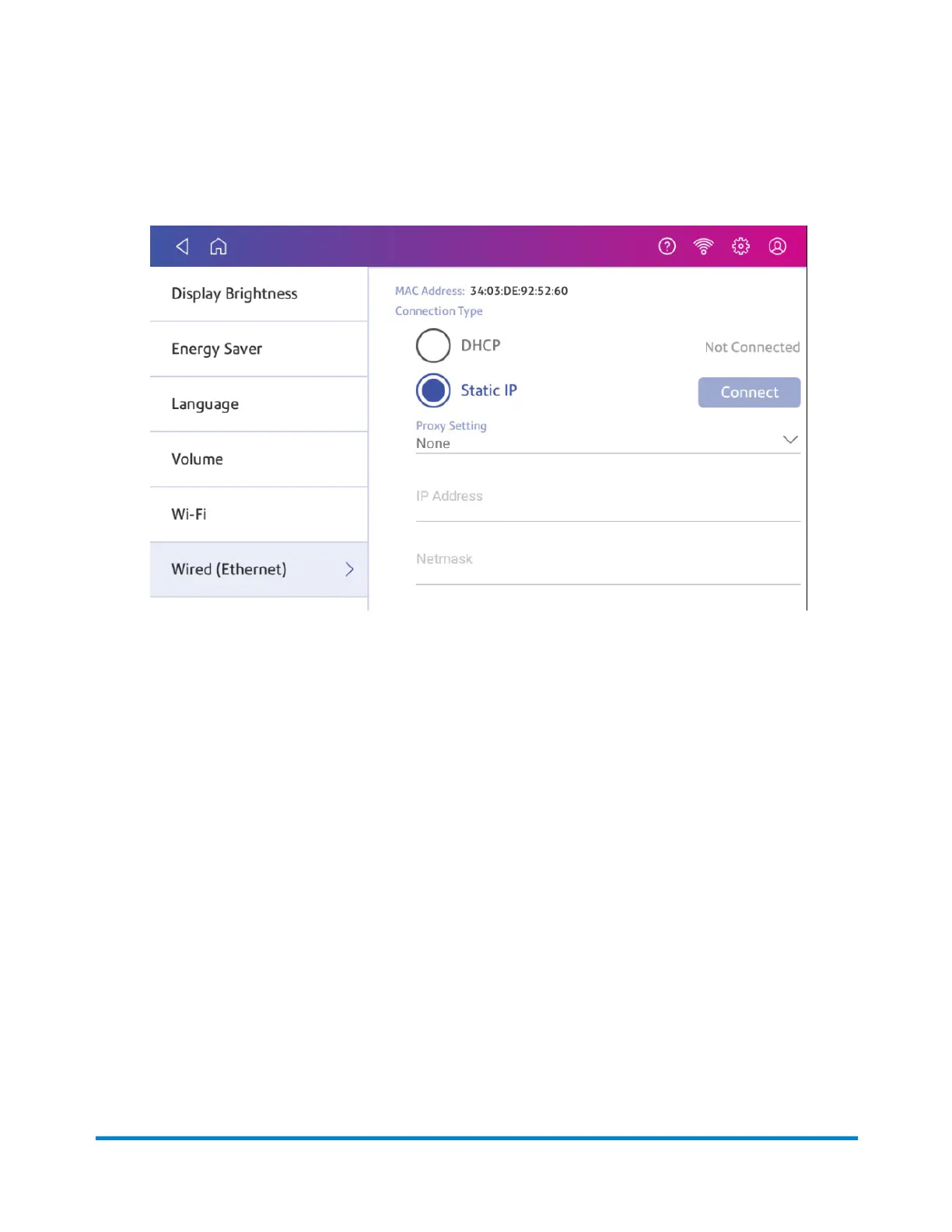
2. Tap Wired.
3. Select Static.
4. Contact your IT department to obtain the settings you will need to enter for your device. The
values needed are:
l
IP Address
l
Netmask
l
Gateway
l
DNS Address.
5. Enter the settings you obtained in step 4 for the IP Address, Netmask, Gateway, and DNS
Address in the corresponding fields.
6. Tap Connect.
7. If SendPro C, SendPro+ fails to connect, remove the network cable from the back of the device.
8. Tap Connect. Wait for the attempted connection to fail.
9. Plug the network cable back in.
10. Delete the values in the IP Address, Netmask, Gateway, and DNS Address fields.
11. Enter the IP Address, Netmask, Gateway, and DNS Address that you obtained in step 4.
12. Tap Connect.
Connectivity information
Pitney Bowes Operator Guide April 2022 64












 To Next Page