Setup & User Guide
| 100
DOC-246-GDE-Pivot3 Acuity 2.3 Setup & User Guide-v1.0.docx
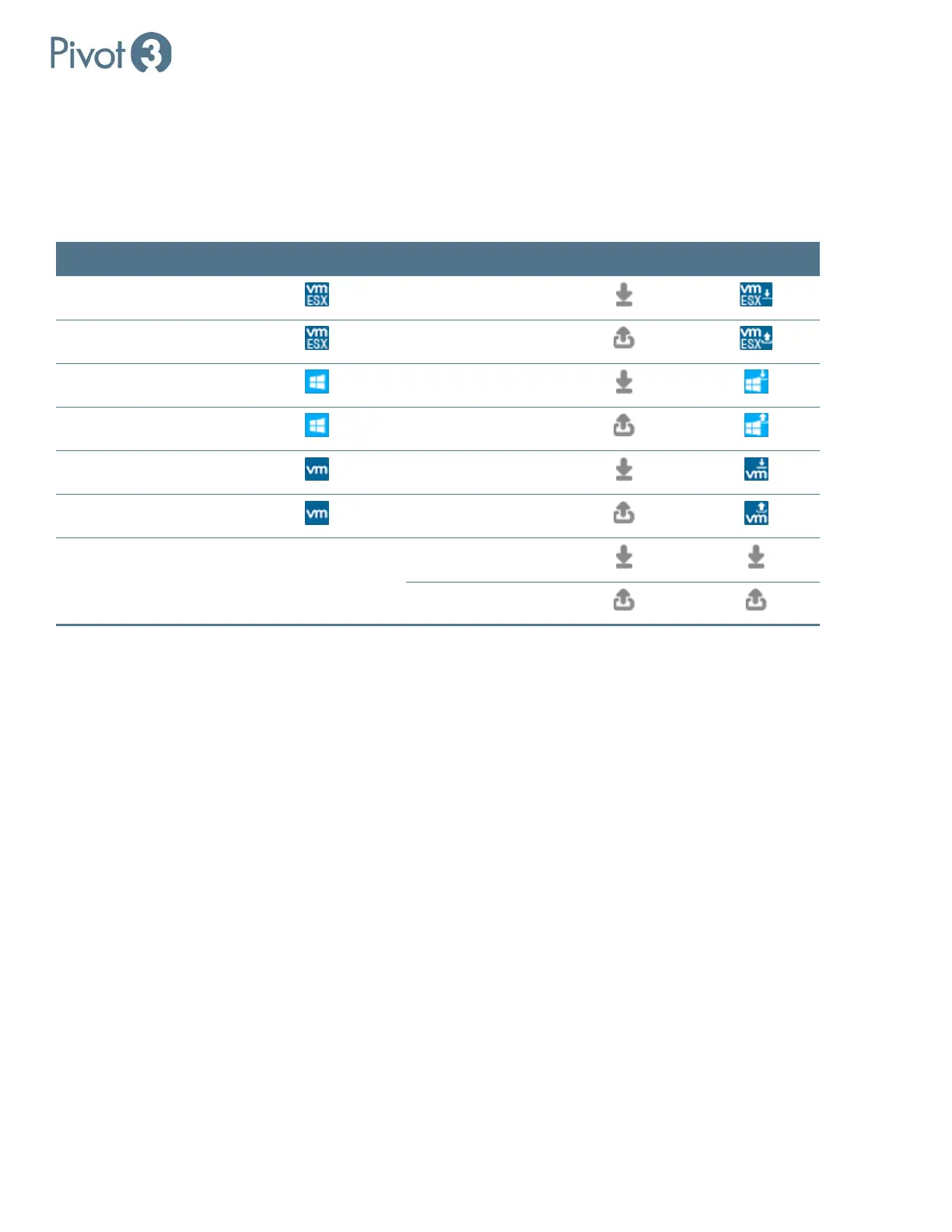
Replication Icons Associated with Volumes
When configuring replication, it is critical to configure servers as Protected Hosts. Protected Hosts are ESXi Servers and
Windows Servers hosting volumes on the Acuity platform, allowing customers to create snapshots that are properly
quiesced from the perspective of the operating system and applications running on Acuity volumes.
For more information about configuring Protected Hosts, consult sub-section Protected Hosts.
Managed Volume Managed Volume Icon Replication Type Replication Icon Combined Icon
VM ESXi
Inbound / Target
VM ESXi
Outbound / Source
Windows
Inbound / Target
Windows
Outbound / Source
VM
Inbound / Target
VM
Outbound / Source
Non-Managed Volume No Icon Inbound / Target
Outbound / Source



 To Next Page