User’s Manual of MGSW-24160F
173
Buttons
: Click to start the wizard again.
: Click to get more information.
: Click to continue the wizard.
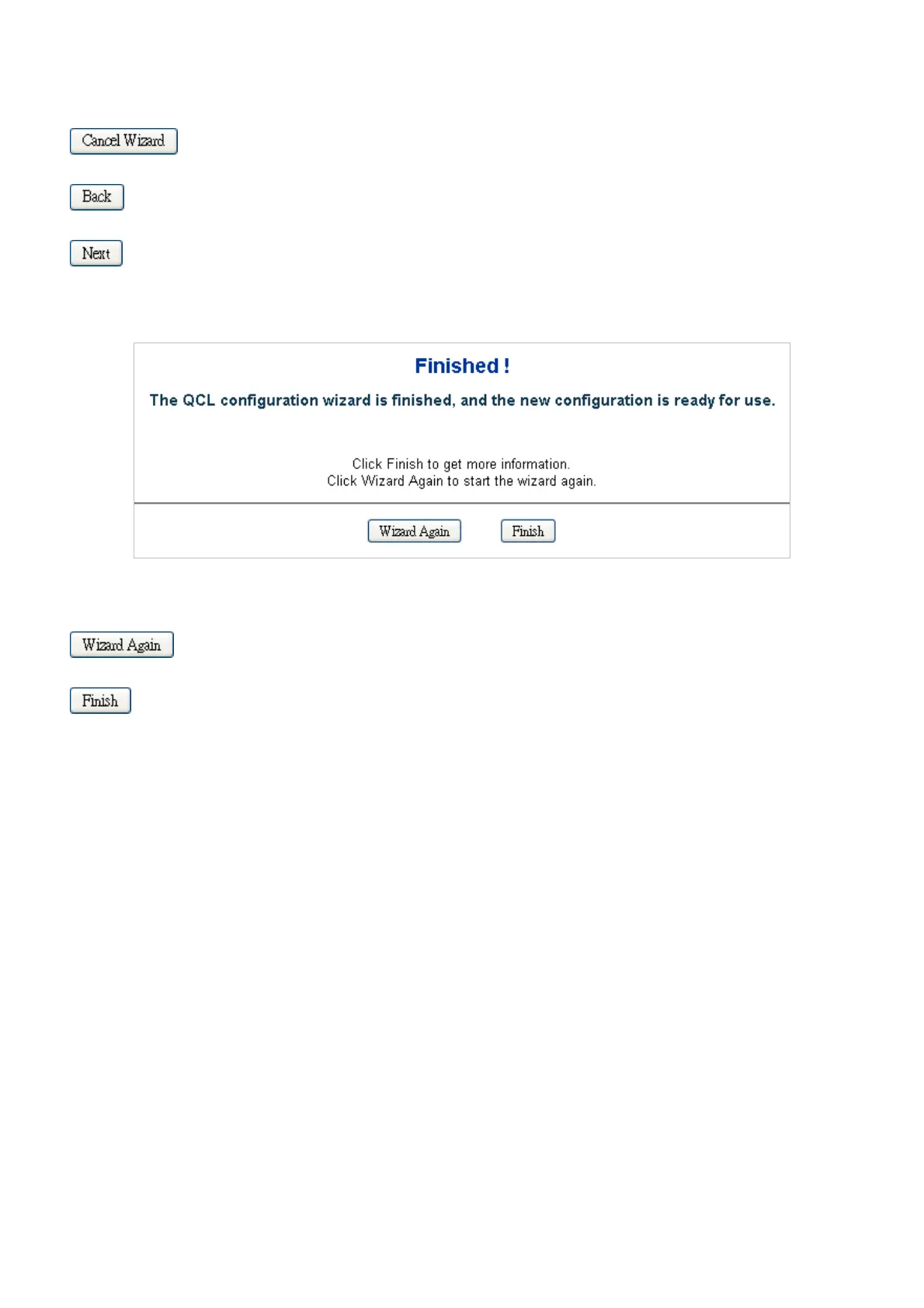
Once the QCL configuration wizard is finished, the below screen appears.
Buttons
: Click to start the wizard again.
: Click to get more information.
4.9.2.2 Set up Typical Network Application Rules
Set up the specific QCL for different typical network application quality control.
STEP-1
Set up the specific QCL for different typical network application quality control by selecting the network application type for your
rule:
The Set up Typical Network Application Rules screen in Figure 4-9-3 appears.



 To Next Page
 Loading...









