User’s Manual of MGSW-24160F
295
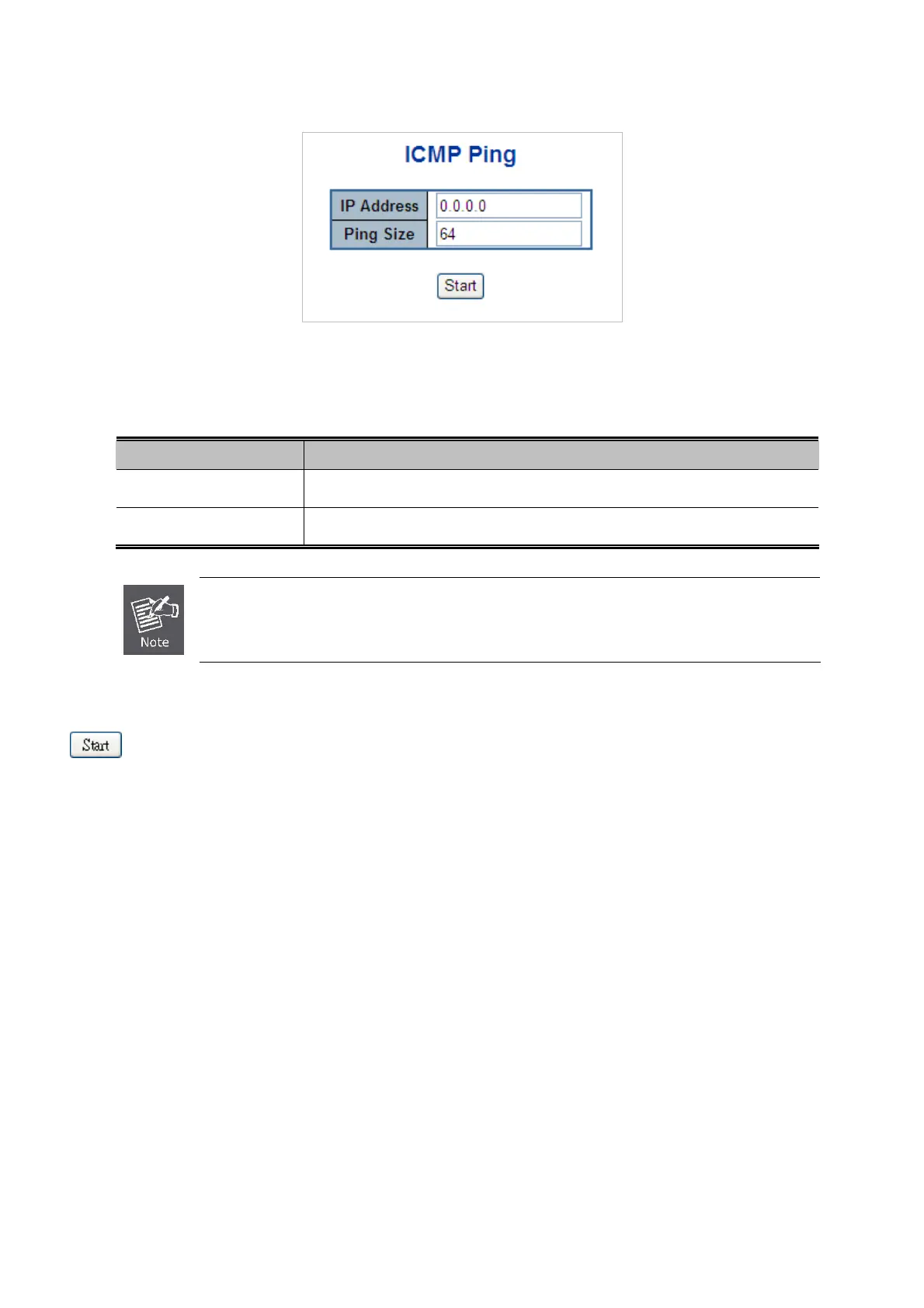
ICMP Ping screen in Figure 4-15-1 appears.
Figure 4-15-1 ICMP Ping Page Screenshot
The page includes the following fields:
Object Description
IP Address
The destination IP Address.
Ping Size
The payload size of the ICMP packet. Values range from 8 bytes to 1400 bytes.
Be sure the target IP Address is within the same network subnet of the switch, or you had setup the
correct gateway IP address.
Buttons
: Click to transmit ICMP packets.
4.15.2 IPv6 Ping
This page allows you to issue ICMPv6 PING packets to troubleshoot IPv6 connectivity issues.
After you press “Start”, 5 ICMPv6 packets are transmitted, and the sequence number and roundtrip time are displayed upon
reception of a reply. The page refreshes automatically until responses to all packets are received, or until a timeout occurs. The
ICMPv6 Ping screen in Figure 4-15-2 appears.



 To Next Page
 Loading...









