User’s Manual of MGSW-24160F
187
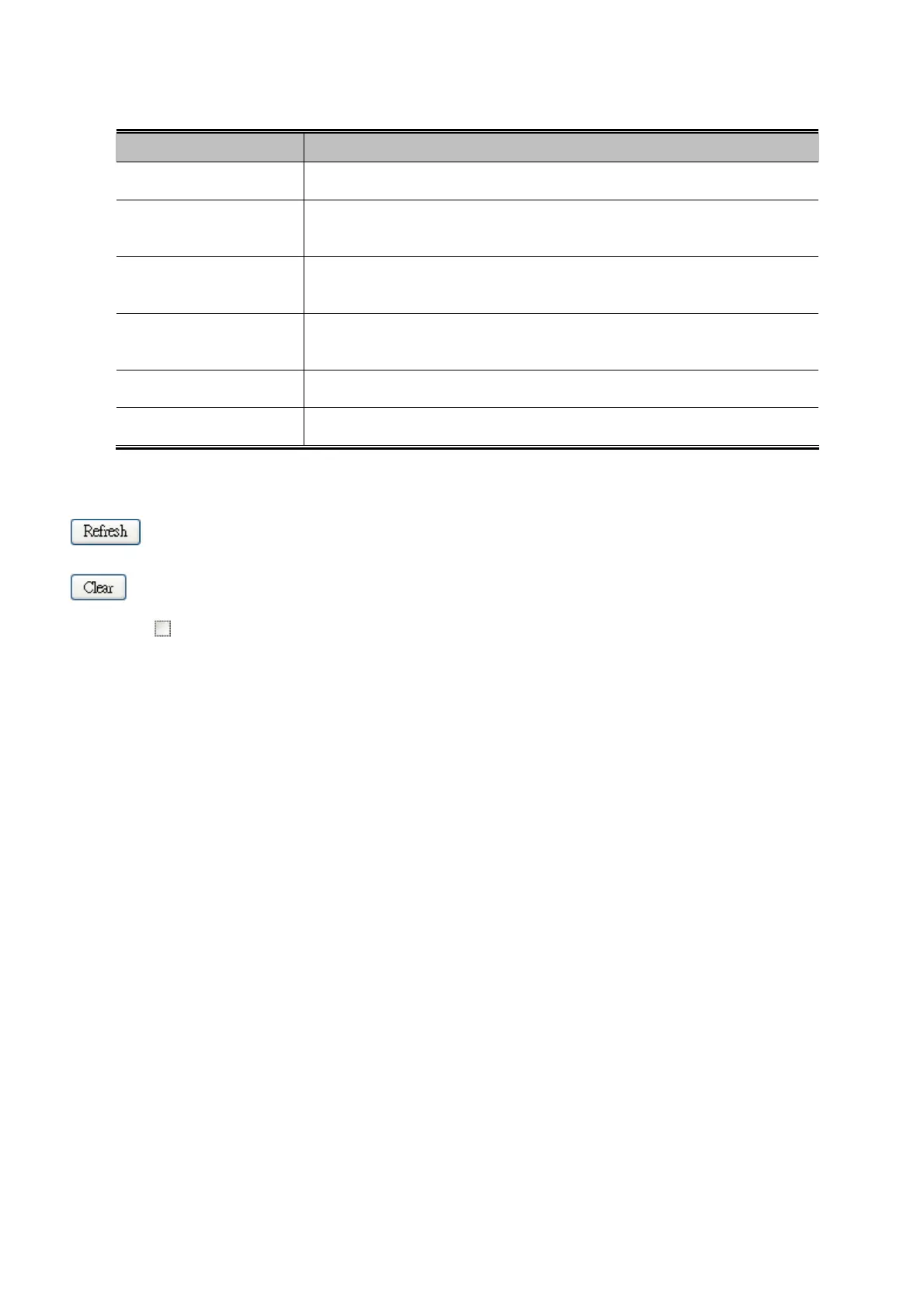
The page includes the following fields:
Object Description
Port
The logical port for the settings contained in the same row.
Low Queue
There are 4 QoS queues per port with strict or weighted queuing scheduling. This
is the lowest priority queue.
Normal Queue
This is the normal priority queue of the 4 QoS queues. It has higher priority than
the "Low Queue".
Medium Queue
This is the medium priority queue of the 4 QoS queues. It has higher priority than
the "Normal Queue".
High Queue
This is the highest priority queue of the 4 QoS queues.
Receive/Transmit
The number of received and transmitted packets per port.
Buttons
: Click to refresh the page immediately.
: Clears the counters for all ports.
Auto-refresh
: Check this box to enable an automatic refresh of the page at regular intervals.
4.9.8 DSCP Remarking
This page allows you to configure DSCP remarking related settings for each port.
Frames can be classified by 4 different QoS classes are Low, Normal, Medium, and High.
The classification can be controlled by Port QoS configuration page.
And this page is used to configure DSCP remarking.
The DSCP value of incoming frames will be changed according to its mapping queue once the packet is transmitted by the
egress port. The DSCP Remarking Configuration screen in Figure 4-9-13 appears.



 To Next Page
 Loading...









