User’s Manual of MGSW-24160F
78
4.2.22 System Reboot
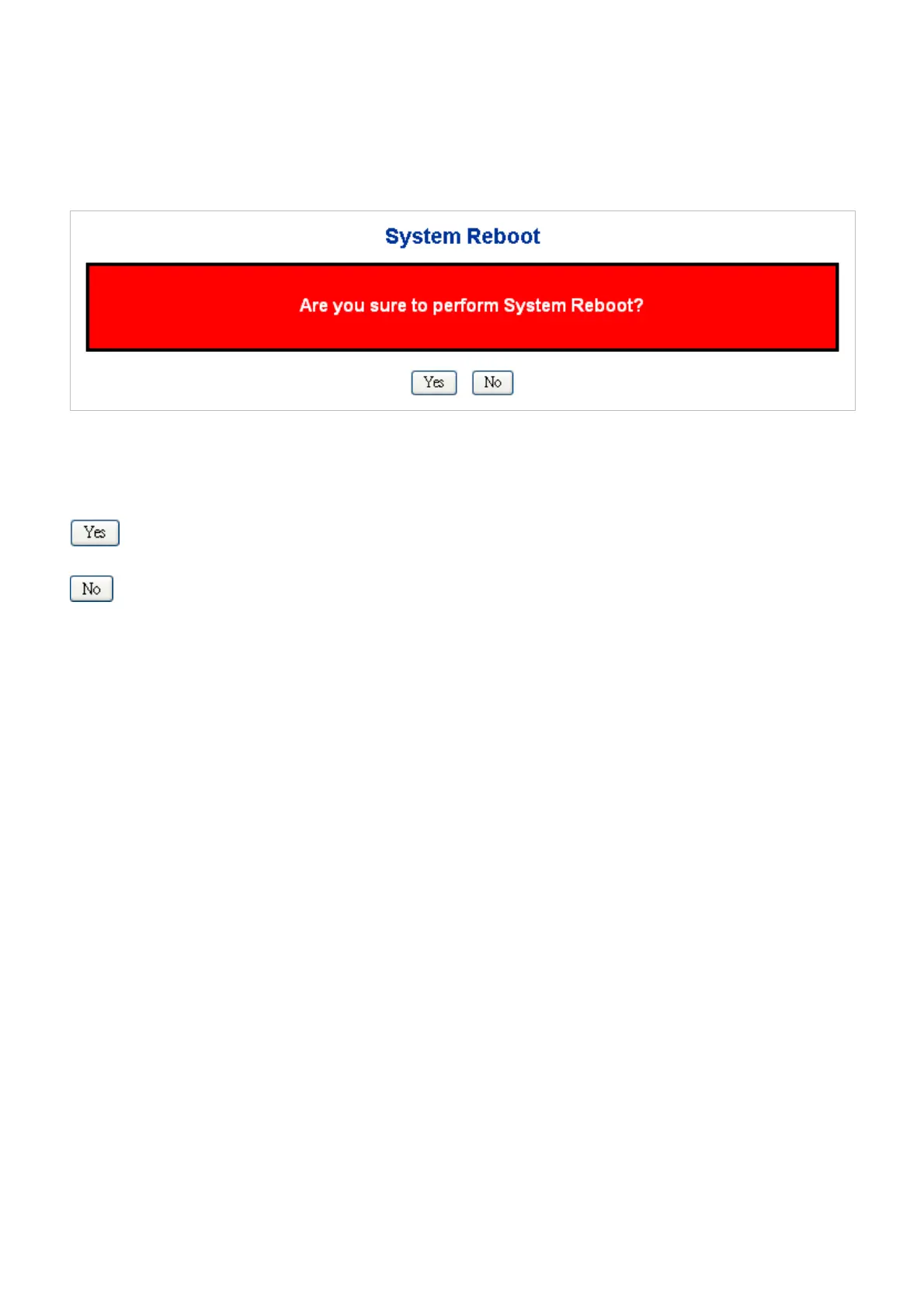
The Reboot page enables the device to be rebooted from a remote location. Once the Reboot button is pressed, user have to
re-login the WEB interface about 60 seconds later, the System Reboot screen in Figure 4-2-29 appears.
Figure 4-2-29 System Reboot Page Screenshot
Buttons
: Click to reboot the system.
: Click to return the Port State page without reboot the system.



 To Next Page
 Loading...









