User’s Manual of MGSW-24160F
70
4.2.16 TFTP Firmware Upgrade
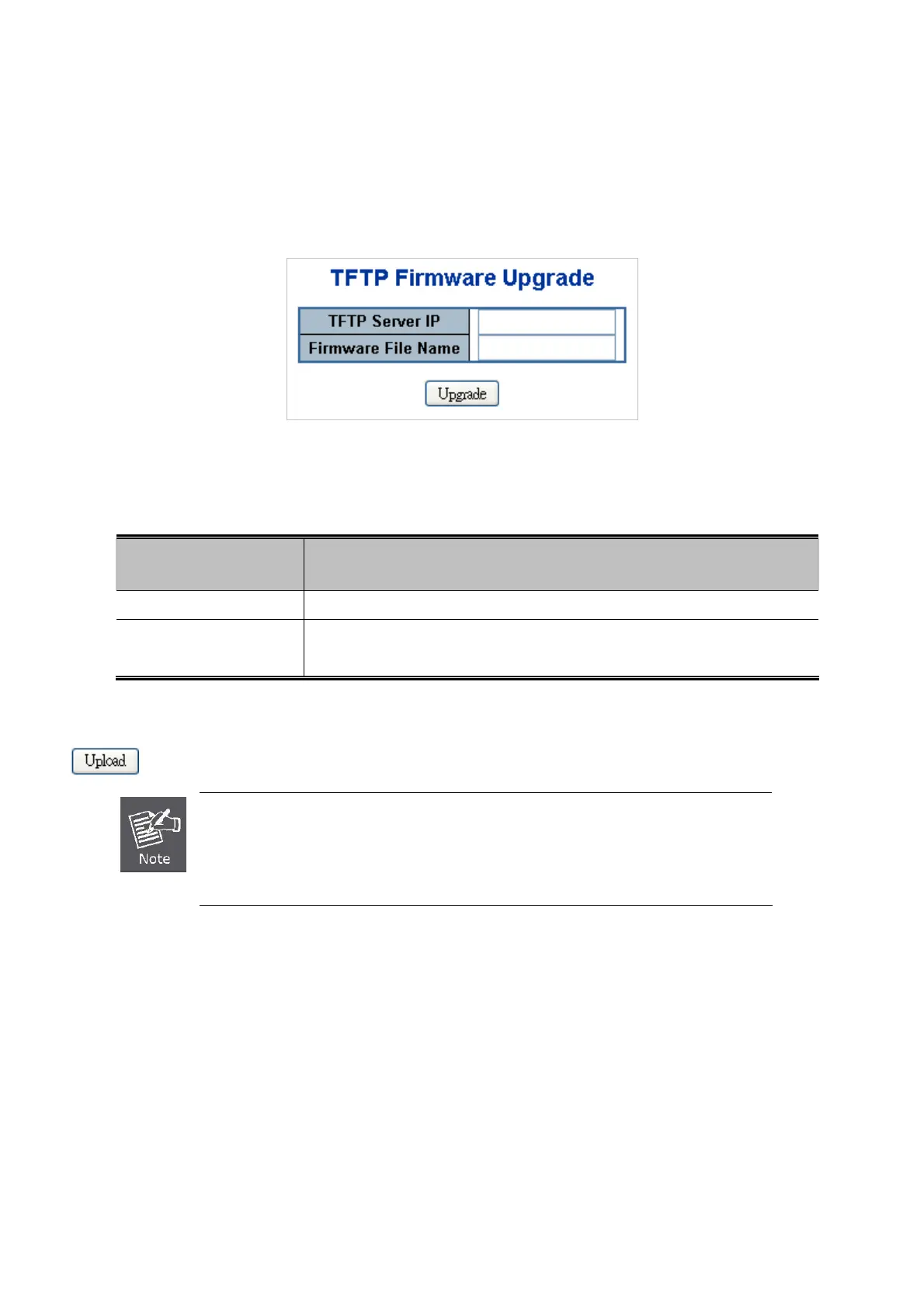
The Firmware Upgrade page provides the functions to allow a user to update the Managed Switch firmware from the TFTP
server in the network. Before updating, make sure you have your TFTP server ready and the firmware image is on the TFTP
server. The TFTP Firmware Upgrade screen in Figure 4-2-20 appears.
Figure 4-2-20 TFTP Firmware Update Page Screenshot
The page includes the following fields:
Object Description
TFTP Server IP
Fill in your TFTP server IP address.
Firmware File Name
The name of firmware image.
(Maximum length: 24 characters)
Buttons
: Click to upgrade firmware.
1. DO NOT Turn OFF Power the Managed Switch until the update progress is complete.
2. Do not quit the Firmware Upgrade page without press the “OK” button - after the image
was loaded, or the system won’t apply to the new firmware. User has to repeat the
firmware upgrade processes again.



 To Next Page
 Loading...









