User’s Manual of MGSW-24160F
182
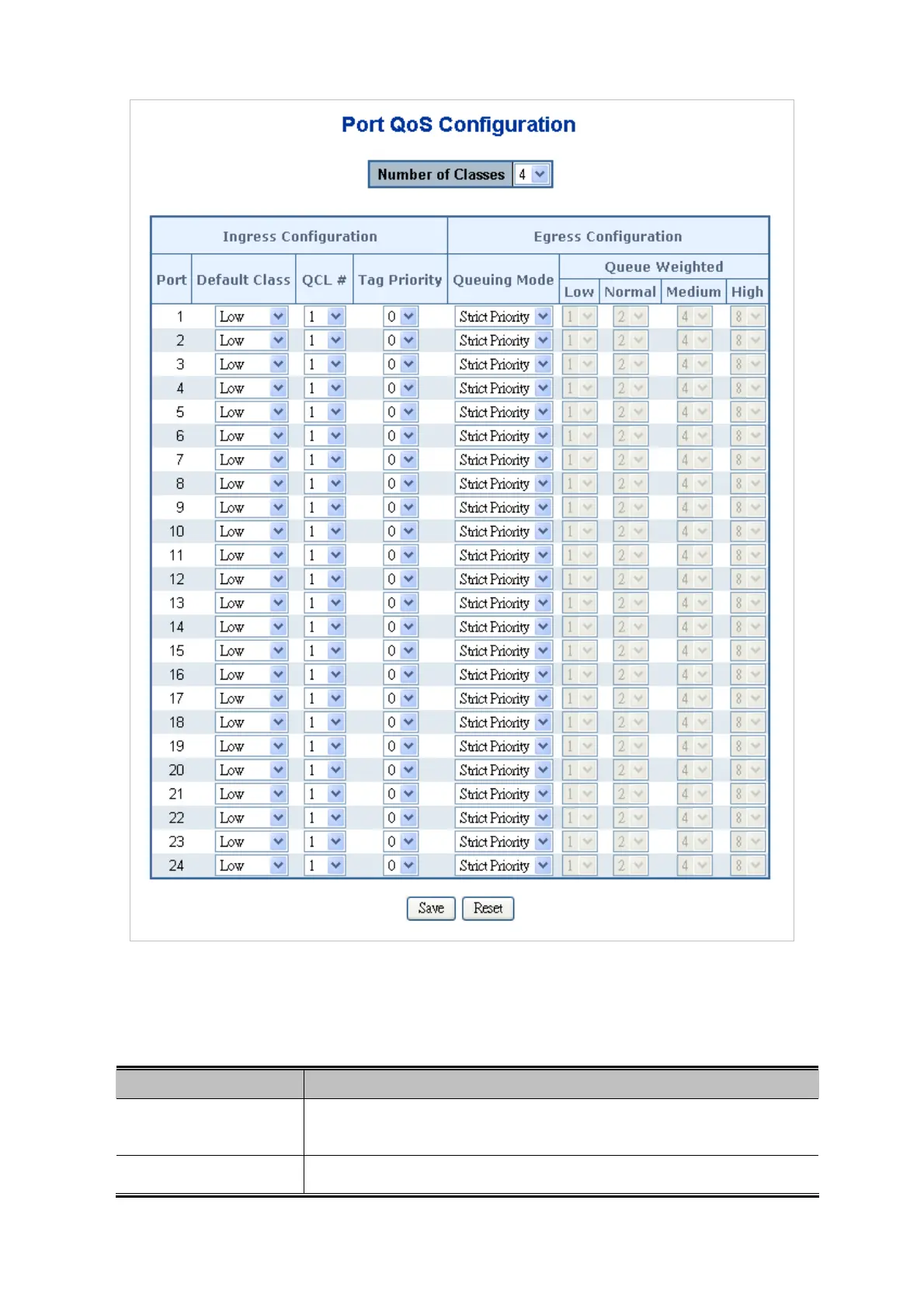
Figure 4-9-9 Port QoS Configuration Page Screenshot
The page includes the following fields:
Object Description
Number of Classes
Configure the number of traffic classes as "1", "2", or "4".
The default value is "4".
Port
The logical port for the settings contained in the same row.



 To Next Page
 Loading...









