User’s Manual of MGSW-24160F
248
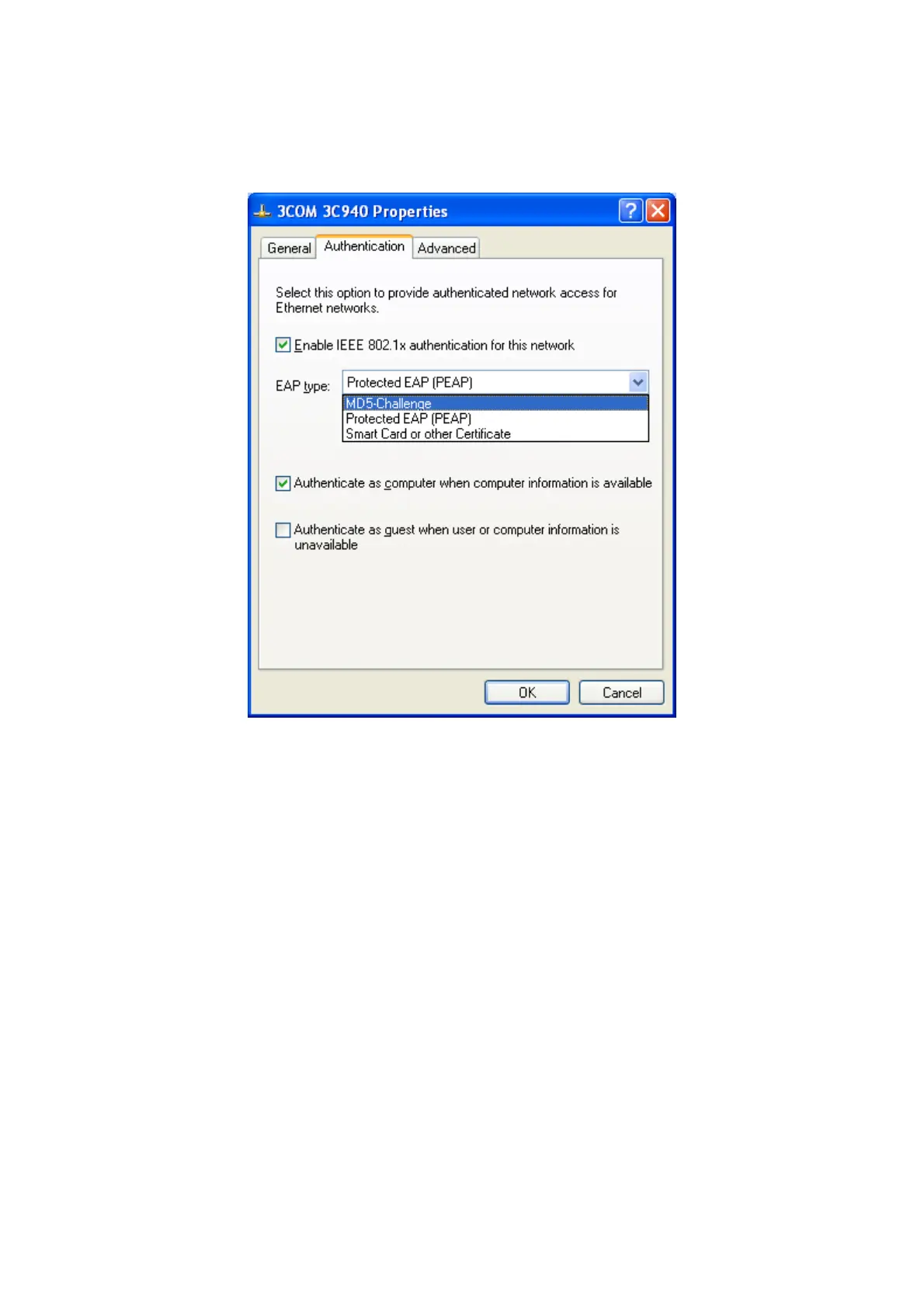
4. Select “Authentication” tab.
5. Select “Enable network access control using IEEE 802.1X” to enable 802.1x authentication.
6. Select “MD-5 Challenge” from the drop-down list box for EAP type.
Figure 4-11-19
7. Click “OK”.
8. When client has associated with the Managed Switch, a user authentication notice appears in system tray. Click on the
notice to continue.



 To Next Page
 Loading...









