User’s Manual of MGSW-24160F
48
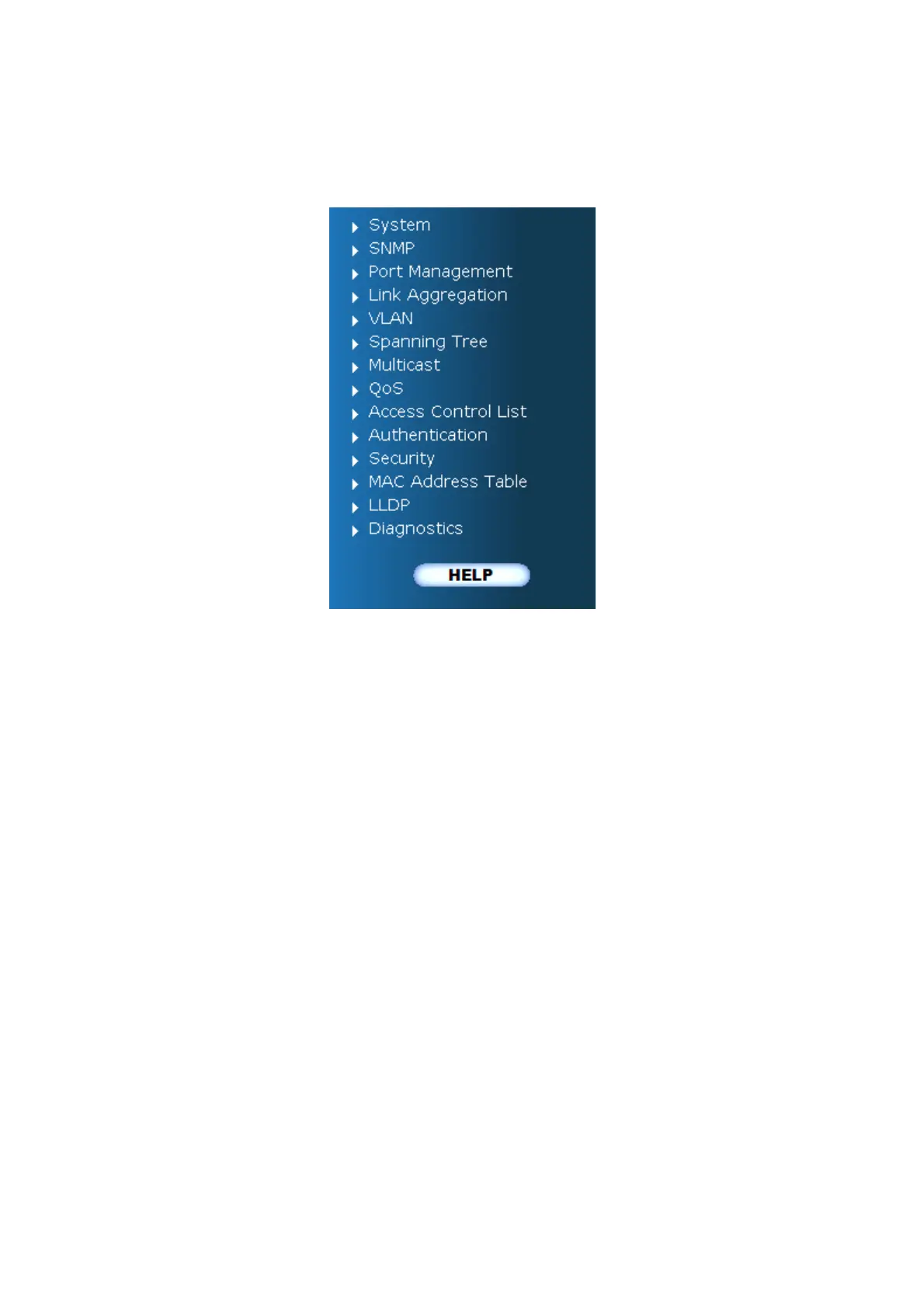
Main Menu
Using the onboard web agent, you can define system parameters, manage and control the Managed Switch, and all its ports, or
monitor network conditions. Via the Web-Management, the administrator can setup the Managed Switch by select the functions
those listed in the Main Function. The screen in Figure 4-1-5 appears.
Figure 4-1-5 MGSW-24160F Managed Switch Main Functions Menu



 To Next Page
 Loading...









