F-25
MacBAT 5 – USER GUIDE. Version 1.0
MODEM ERROR SESSION LOG
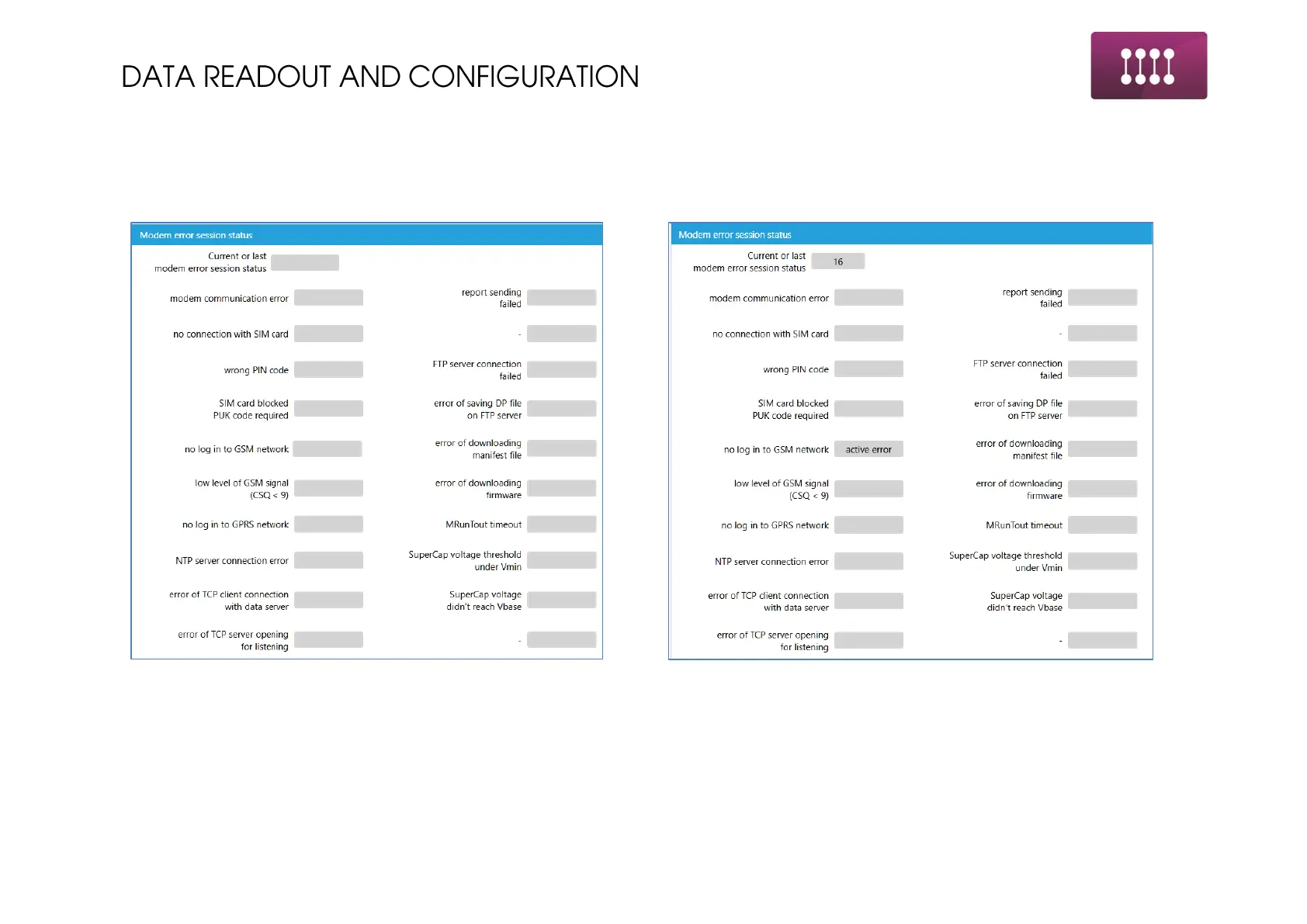
Once the modem could not complete its schedule it stores the log from errors found while connecting to the network.
Following the table from previous page. Left side – connection successful. Right side – connection failed.
No errors indicated – continuing with previous modem status log,
there were no errors during the connection.
Active error – device have not logged into GSM network. Possible
cause – wrong APN, wrong server name, no antenna, no GSM range
available nearby.
ONCE THERE ARE NO ERRORS IN MODEM ERROR STATUS, SCHEDULE IS CONFIGURED PROPERLY AND DEVICE IS READY TO
WORK. ONE EXCEPTION FOR THE MODEM ERROR STATUS IS “LOW LEVEL OF GSM SIGNAL”, WHERE DESPITE THIS ERROR
DEVICE CAN BE ABLE TO SEND THE DATA.



 To Next Page