F-26
MacBAT 5 – USER GUIDE. Version 1.0
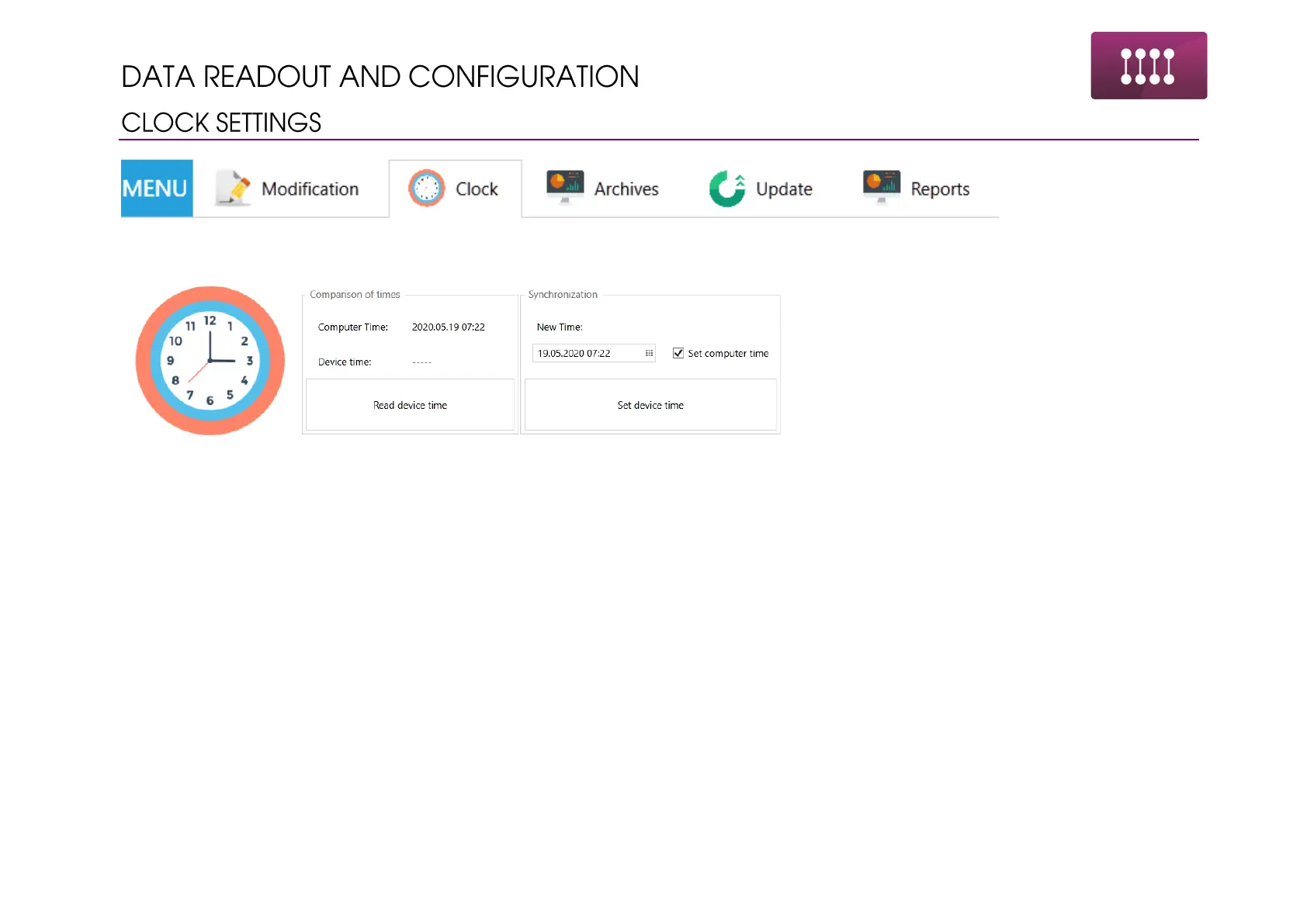
Clock tab allows for time settings change in the device.
Steps of configuration:
• Click “Read device time”
• Tick on “Set computer time” and “Set device time” when it is required to synchronize time with local one
• Tick on “Set computer time” until time will show. Untick “Set computer time” to adjust the time manually
• Click on “Set device time”



 To Next Page