F-3
MacBAT 5 – USER GUIDE. Version 1.0
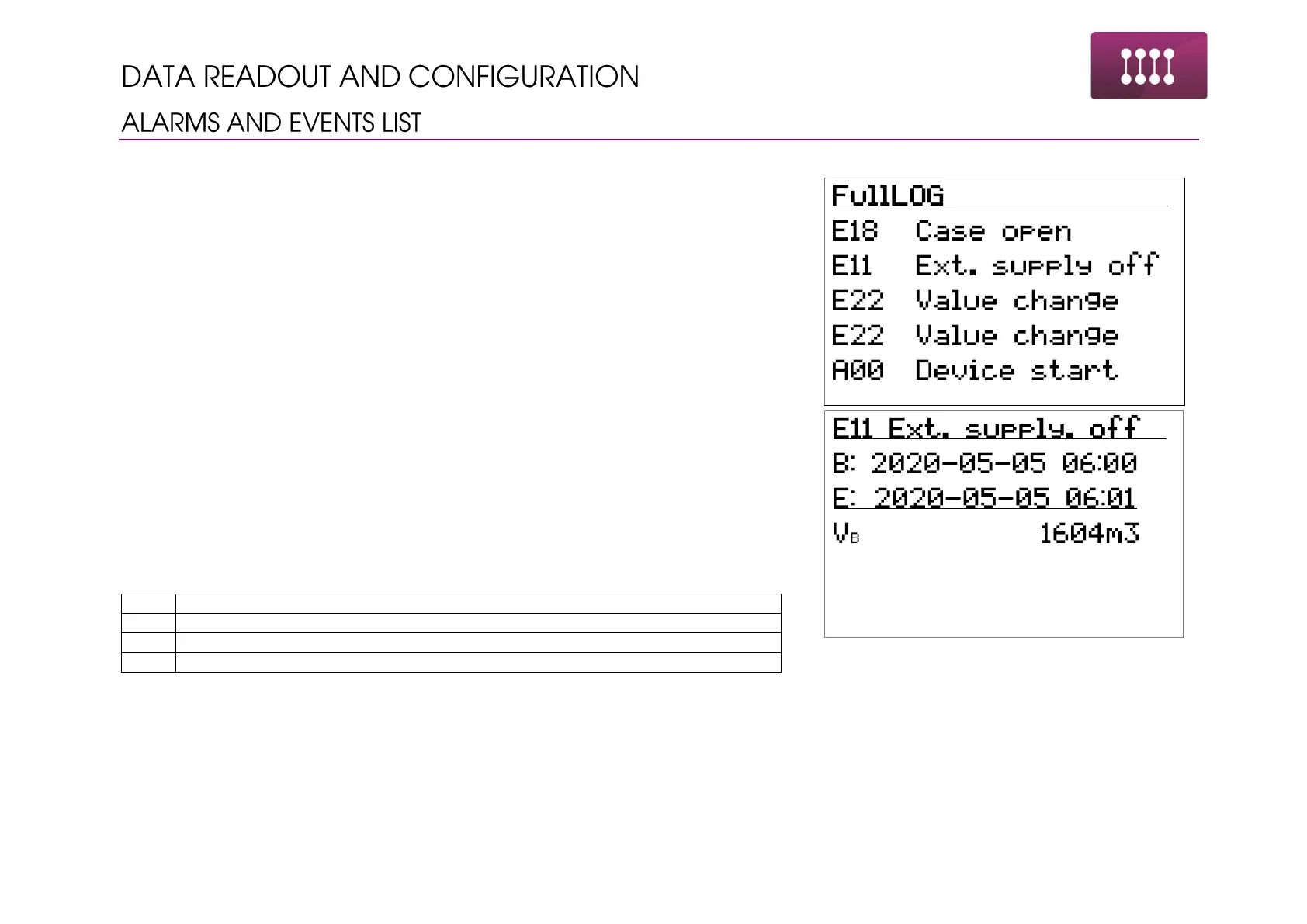
Device allows for review of alarms and events occurred in the device.
To review the alarms:
• Go to Main menu by pressing Enter
• Navigate to menu Alarms
Available options:
• Active alarms – list of active alarms in the moment of entering the menu
• Full LOG – complete list of alarms and events – lasting and finished
• Alarm LOG – list of Alarms – important from the metrological and accuracy point
of view. Activeness of one of this alarms causes ER icon flashing on the display
in top bar
• Process LOG – list of Events – important from the technological point of view –
binary inputs, limits. Activeness of one of this alarms causes WR icon flashing on
the display in top bar.
• Setup LOG – list of alarms reserved for Manufacturer.
• System status – vector of the alarms
• Configuration – clearing the memory log
Navigation through the alarms:



 To Next Page