F-2
MacBAT 5 – USER GUIDE. Version 1.0
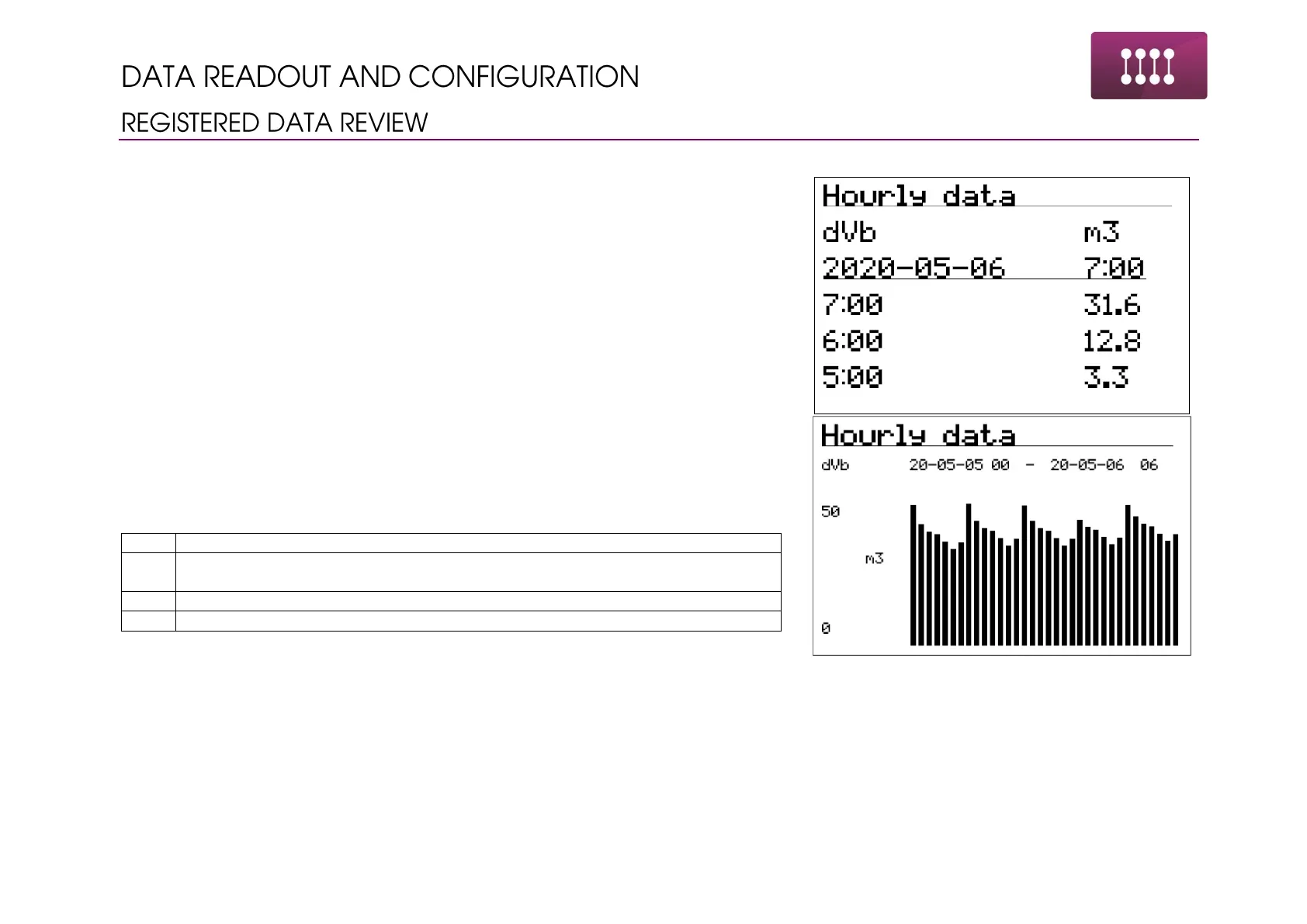
Device allows for review of registered data from display.
To review the registered data:
• Go to Main menu by pressing Enter
• Navigate to menu Data
• Press Enter on submenus to go into the different set of data
Available options:
• Peak data – peak data with the time and date of appearing such value
• Periodic data – data saved with registration period
• Hourly data – data saved in the last finished hour
• Daily data – data saved in the last finished day
• Monthly data – data saved in the last finished month
• Momentary data – data saved in the momentary saving mode in error condition
Navigation through the data:
Moving through the types of data, switching between values, moving the
bar graphs in time – graph view



 To Next Page