D-5
MacBAT 5 – USER GUIDE. Version 1.0
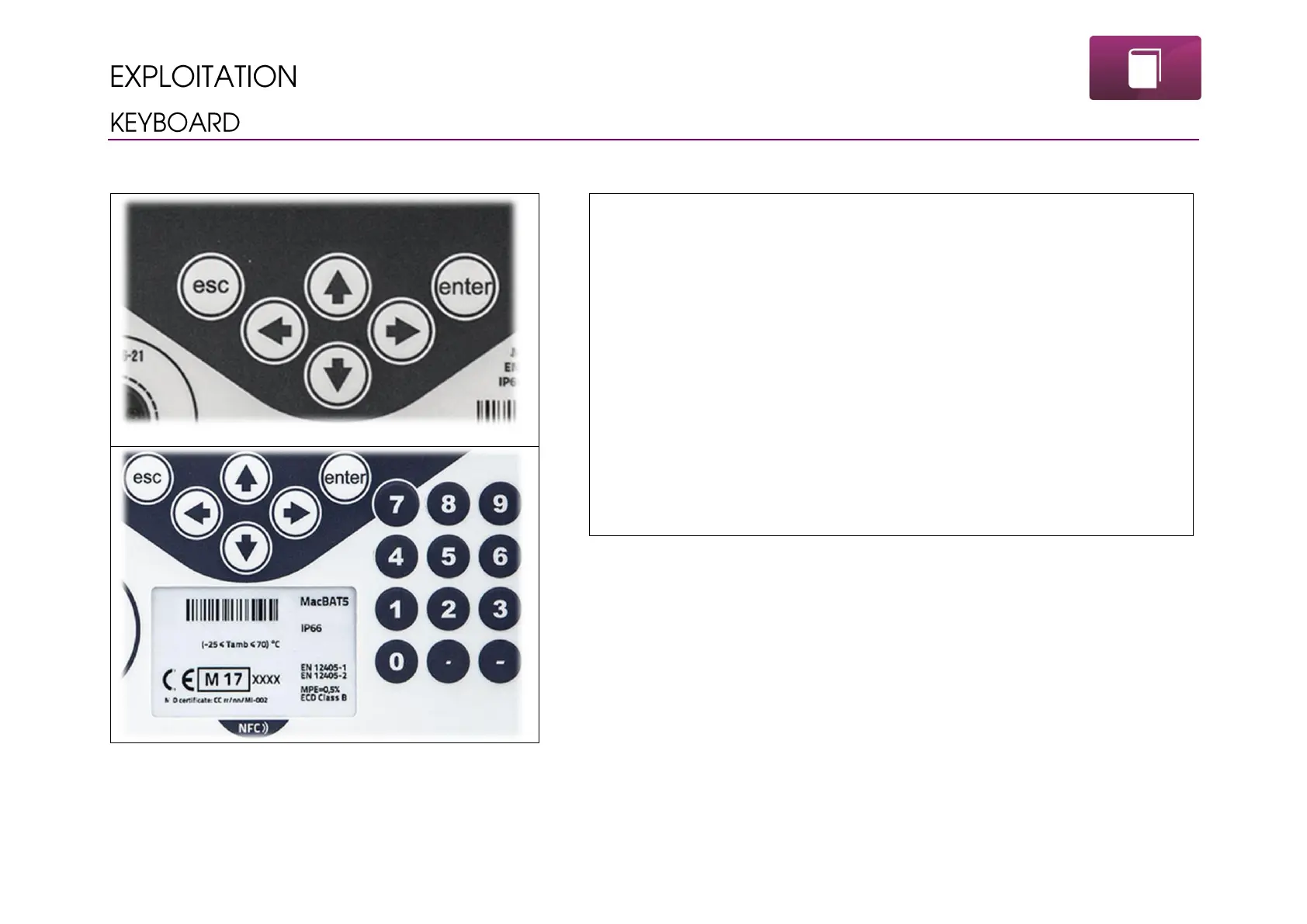
MacBAT 5 can be operated and programmed using the control elements on the front panel of the device.
Front keyboard of MacBAT 5 differs depending on the variant –
polycarbonate is equipped with 6 pushbuttons, aluminium with 18
pushbuttons.
Principles of buttons:
Enter – turning on the display, moving forward in the menu, confirming
changes
Esc – turning of the display, moving backward in the menu, discarding
changes
↑↓→← - arrows for navigation in menu
Only in aluminium:
Numeric button for input of numeric values instead of manipulating arrows.
Each button action is visible on the display immediately.



 To Next Page