F-29
MacBAT 5 – USER GUIDE. Version 1.0
Another way of device configuration is mobile application designed for smartphones with
Android system.
ConfIT! Mobile allows for device configuration using Optical interface OptoBTEx using
Bluetooth communication or interface-free mode using NFC.
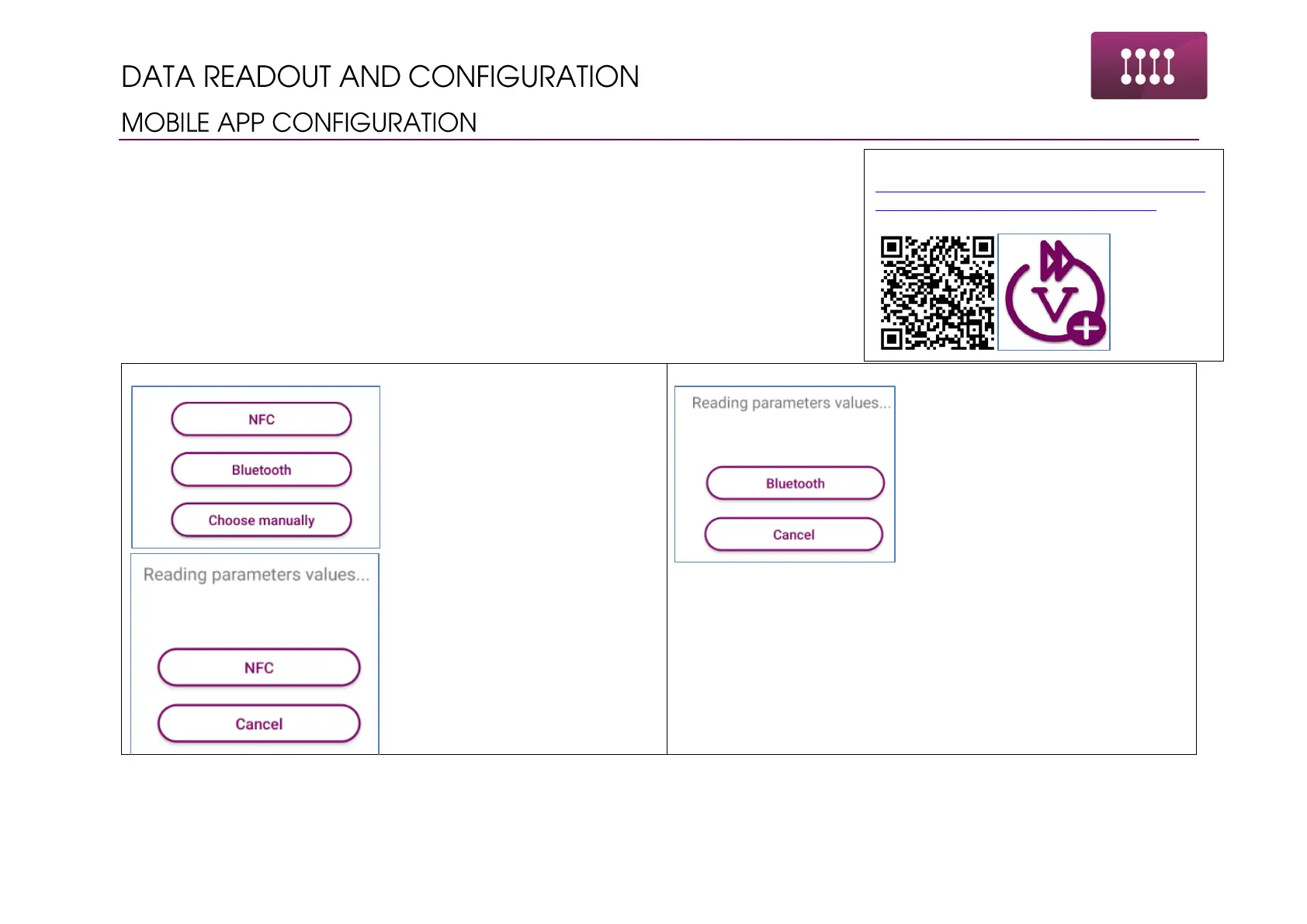
Connection with the device is done in following steps:
Start the app. Choose NFC option
in the main window.
Close the phone to the area on the
device housing marked as NFC
and wait until the device will be
found and read.
When the progress bar will reach
the end, app will pass to the main
window showing all the
parameters.
Once the readout is done, phone
can be took out from the carried
away.
Start the app. Choose Bluetooth
option in the main window.
Turn on OptoBTEx and place it on
the Optical interface area on the
device housing.
If the OptoBTEx is not paired with
the phone proper notification
window will appear to pair the
phone. Use proper PIN code for
pairing.
When the progress bar will reach
the end, app will pass to the main
window showing all the
parameters.
Download ConfIT! Mobile app from website:
https://play.google.com/store/apps/detail
s?id=com.plum.pl.confit_converters



 To Next Page