G-4
MacBAT 5 – USER GUIDE. Version 1.0
Device with MID conformity check is designed when the list of unconfirmed alarms will reach 97% of memory capacity, device will start
counting to Error counters and proper event will be started.
It is highly recommended to confirm the alarms periodically.
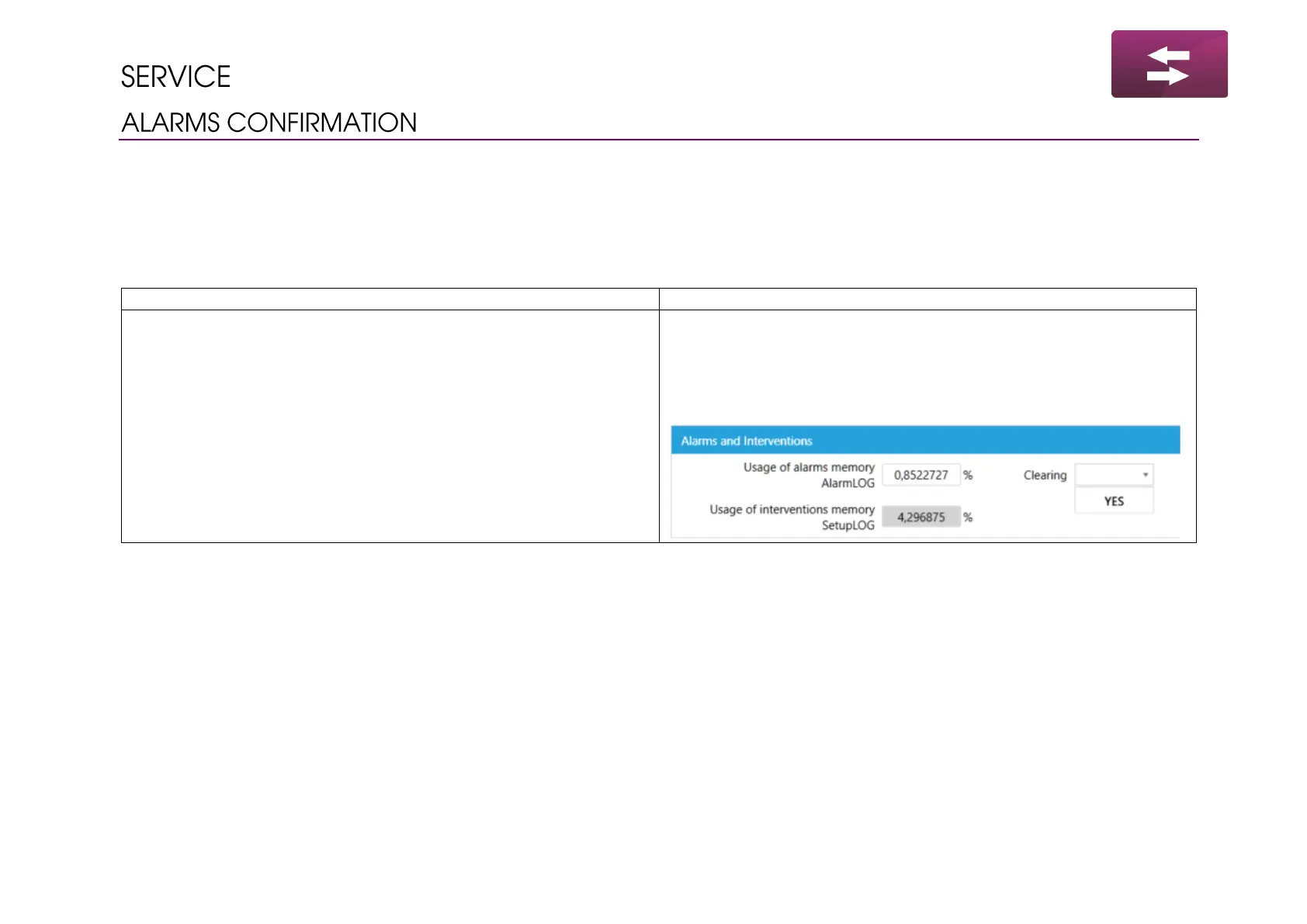
Alarms confirmation procedure:
• Go to main menu by pressing Enter
• Navigate to menu Alarms → Configuration
• Press Enter on parameter AlarmLOG and set it to 0
• Run the software
• Read the device
• Go to section Main settings / Limits
• Scroll down to parameters related to the Alarms and Events
• Choose option Clearing and confirm modification



 To Next Page