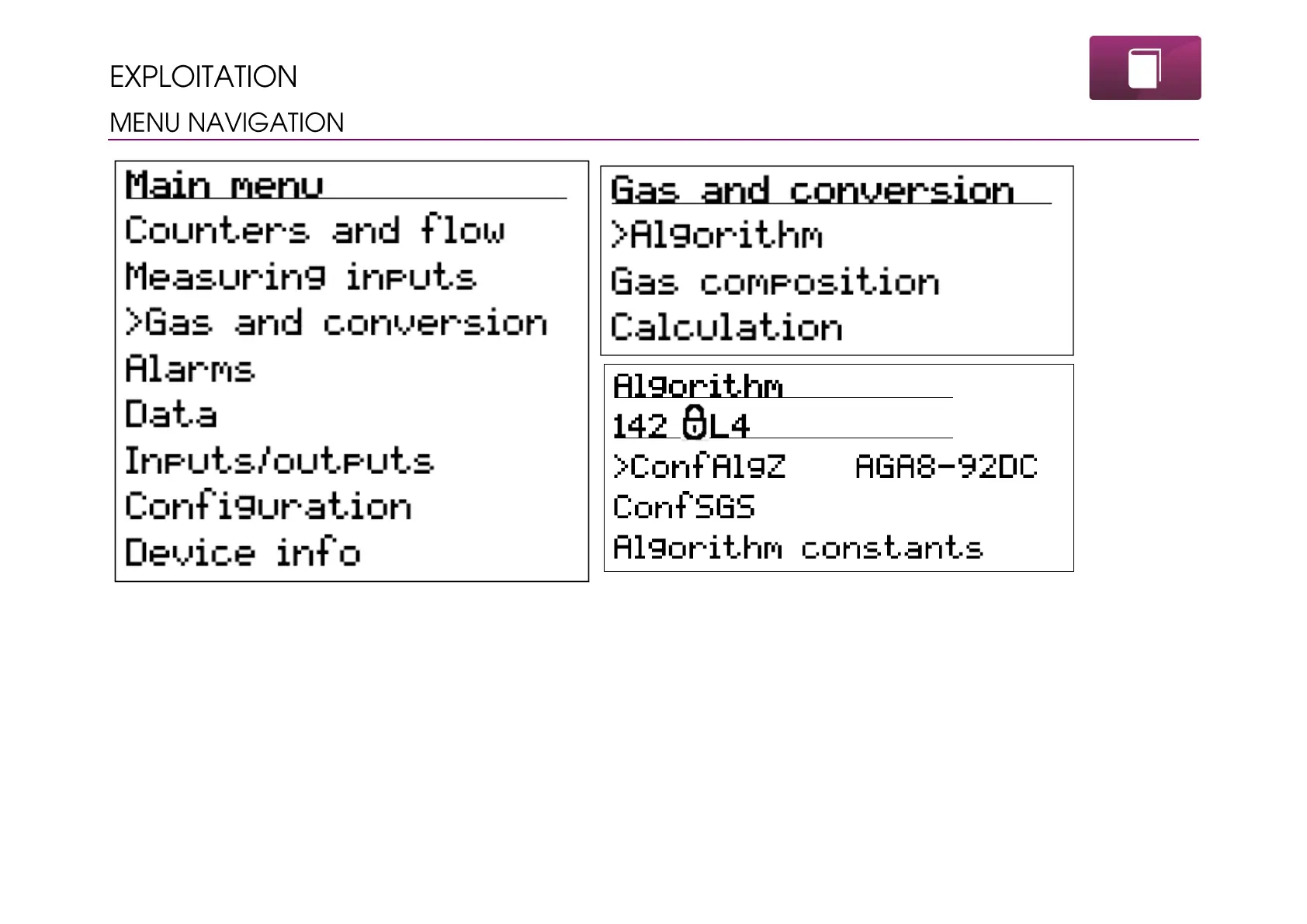
MacBAT 5 has user available graphics-text menu which allows for configuration and registered data. Also it is a primary way of inputting
initial configuration for the device. Parameters possible to configure: gas meter counter, flow rate threshold, pressure and temperature
thresholds, transmission parameters, gas composition.
Menu is built as a multi-level, so entering one menu can cause forwarding to sub-menu until the editable parameters will appear.



 To Next Page