F-13
MacBAT 5 – USER GUIDE. Version 1.0
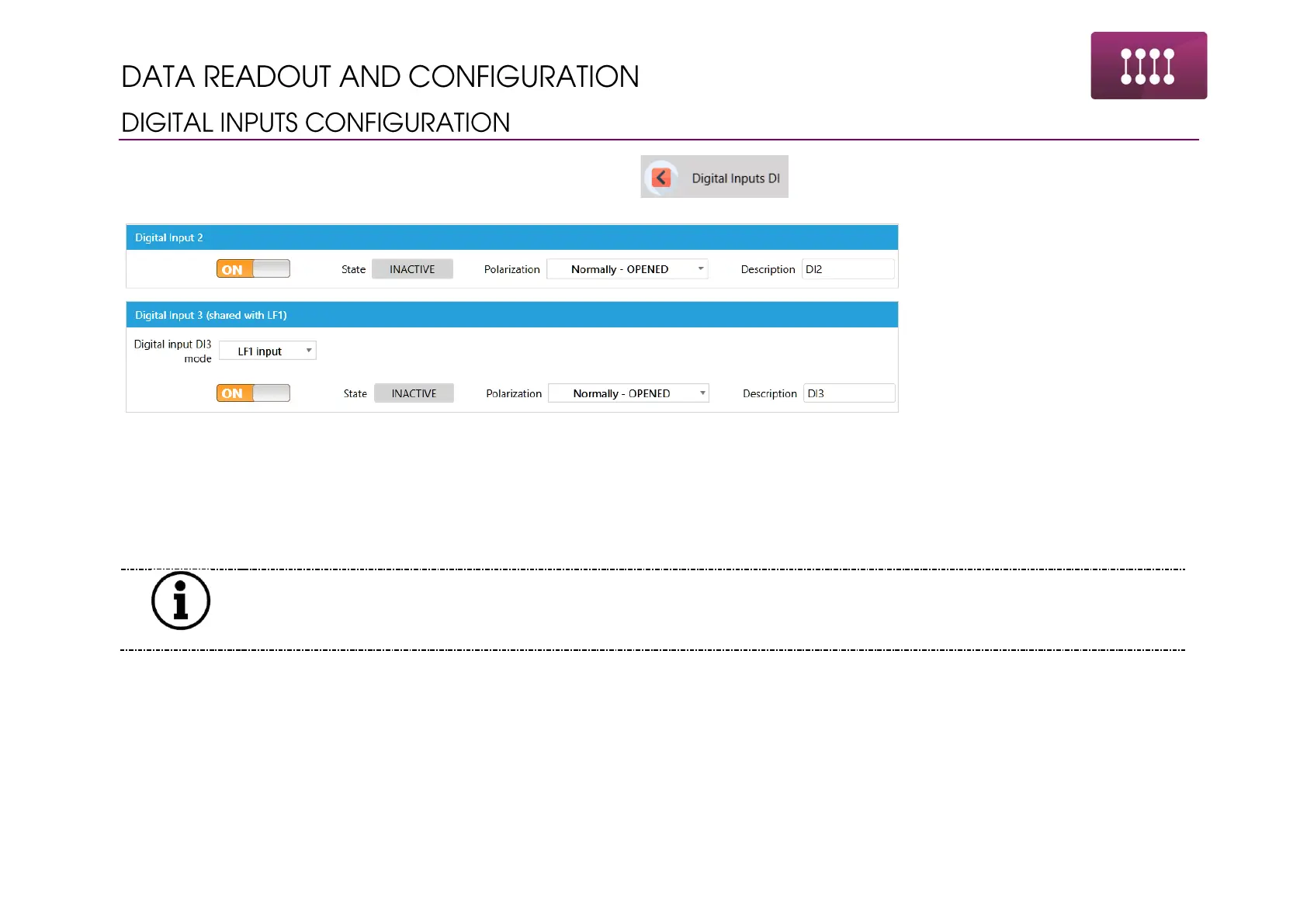
Changing the digital inputs functionality is available in the section
Parameters to change in the menu:
• Input polarity – normally opened – alarm triggers when the DI+/GND pins are shorted. Normally closed – alarm triggers when the
DI+/GND pins are opened.
• Description of DI – 14 characters – e.g. Door Opened
• Enabling the input in the system
DI3 and DI4 are shared with LF inputs. DI6 and DI7 are shared with HF inputs. Once the input is reserved for gas meter
it cannot be used as the binary. Proper information is showed above the input – see the example of DI3.



 To Next Page