E-17
MacBAT 5 – USER GUIDE. Version 1.0
Once the device is installed and configured it is highly recommended to follow certain steps:
• Change default passwords for accounts 201/301/401 to rise the security level of the device
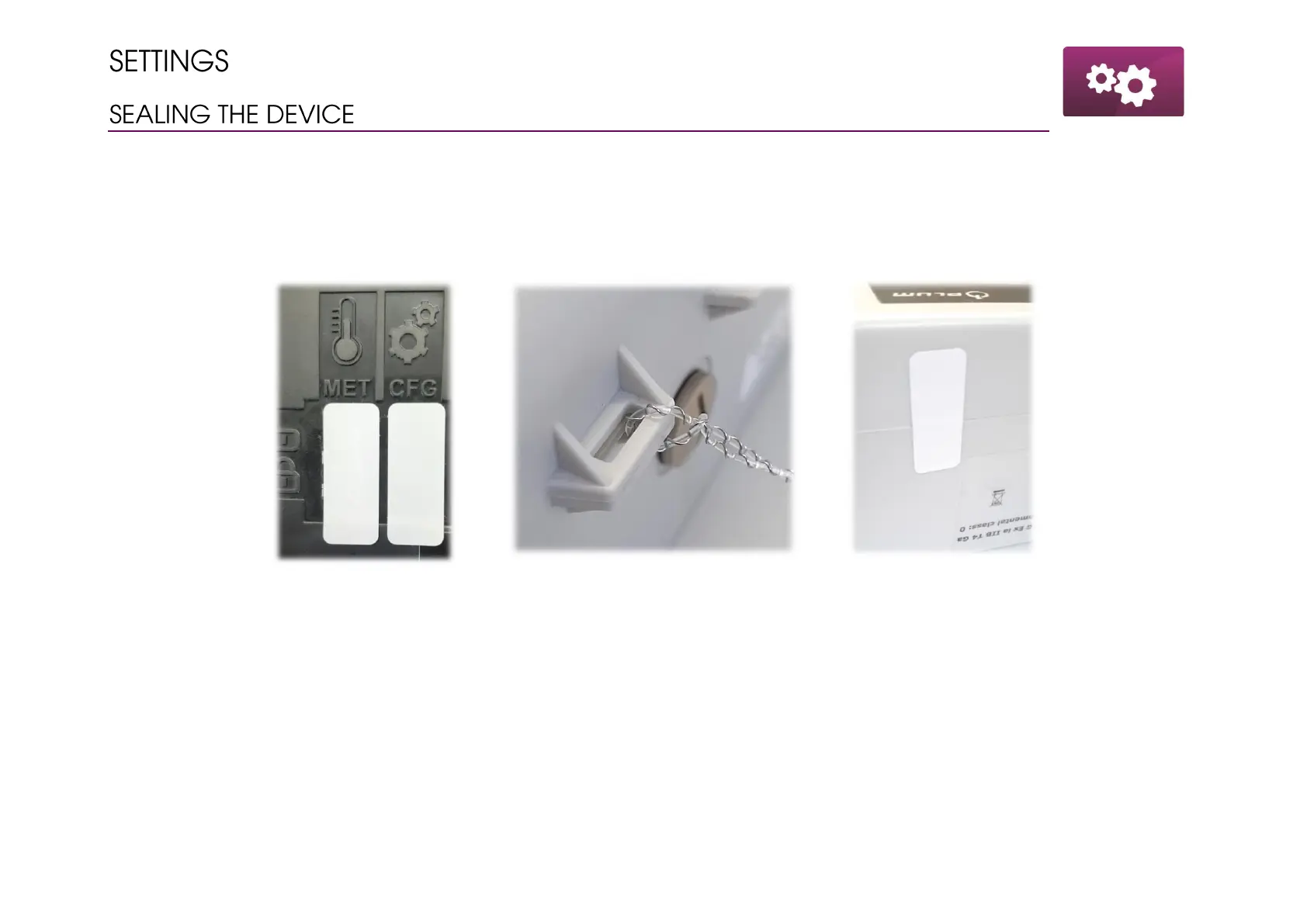
• Close the CFG lock and place there installers seal to prevent from unauthorized access
• Tighten the housing and place the seal between the enclosure parts
• Wire the housing parts using the eyelet



 To Next Page