F-27
MacBAT 5 – USER GUIDE. Version 1.0
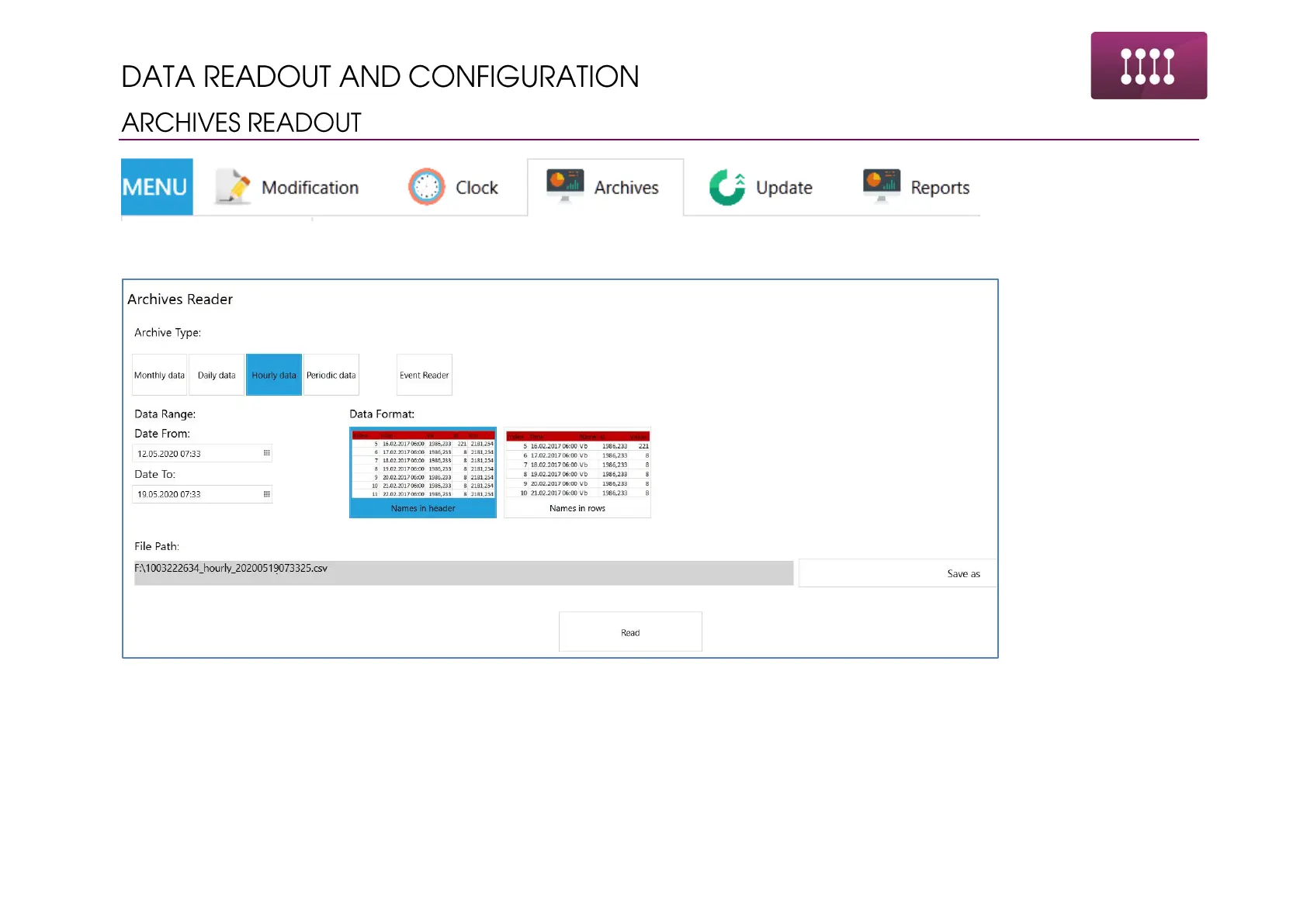
Archives tab allows for periodical, hourly and monthly data reading. Events reading is also possible.
Performing the readout:
• Choose the data type: periodic, hourly, daily, monthly
• Adjust the data range. To read the data from the beginning, set the beginning date to older than device manufacturing date, i.e.
2016.
• Choose the file path for saving the report by clicking “Save as”
• Click “Read” and wait until the data readout will be completed



 To Next Page