G-3
MacBAT 5 – USER GUIDE. Version 1.0
Device can be equipped with up to 3 main batteries of following parameters:
Voltage: 3,6V
General capacity: 17Ah
Type: SAFT LS33600 – environmental temperature range available - -25 to 70 C degrees
Type: EVE ER34615 – environmental temperature range available - -25 to 50 C degrees
Battery amount: 1 to supply converter + 2 to supply internal modem (optional)
Estimated lifetime: 5 years
BATTERY REPLACEMENT PROCEDURE:
• Replace old battery (-ies)
• Go to main menu by pressing Enter
• Navigate to Configuration → Power source
• Press Enter on parameter BattLvl and change it to 100%
• Press Enter on parameter MBattLvl and change it to 100%
- optional, when replacing Modem batteries
• Replace old battery (-ies)
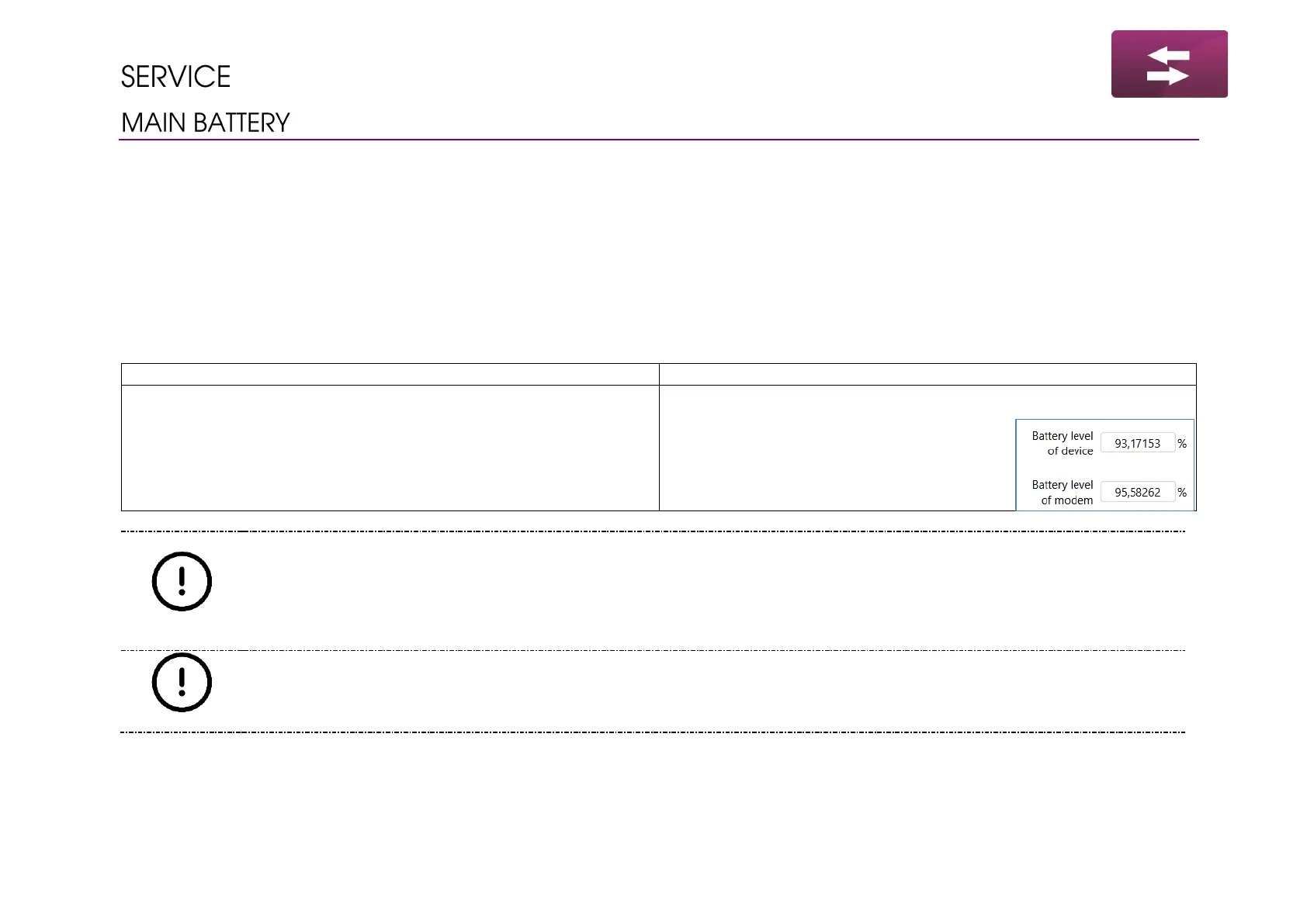
• Run the software
• Go to section Main settings / Limits
• Scroll down to parameters related
to battery levels set them to 100%
and confirm modification
Always use new batteries when replacing. Do not mix types of used batteries.
There is possibility to supply modem from 1 or 2 batteries. Remember to choose amount of used batteries. Wrong
settings may show discharged batteries when there will be around 50% of capacity, or opposite way – device can
indicate 50% and the modem will not be able to start up.
When replacing insert the battery beginning from positive pole (+). Once the (+) of the battery touches the holder
press the (-) of the battery to place it rigidly inside.



 To Next Page