F-32
MacBAT 5 – USER GUIDE. Version 1.0
PARAMETERS MODIFICATION
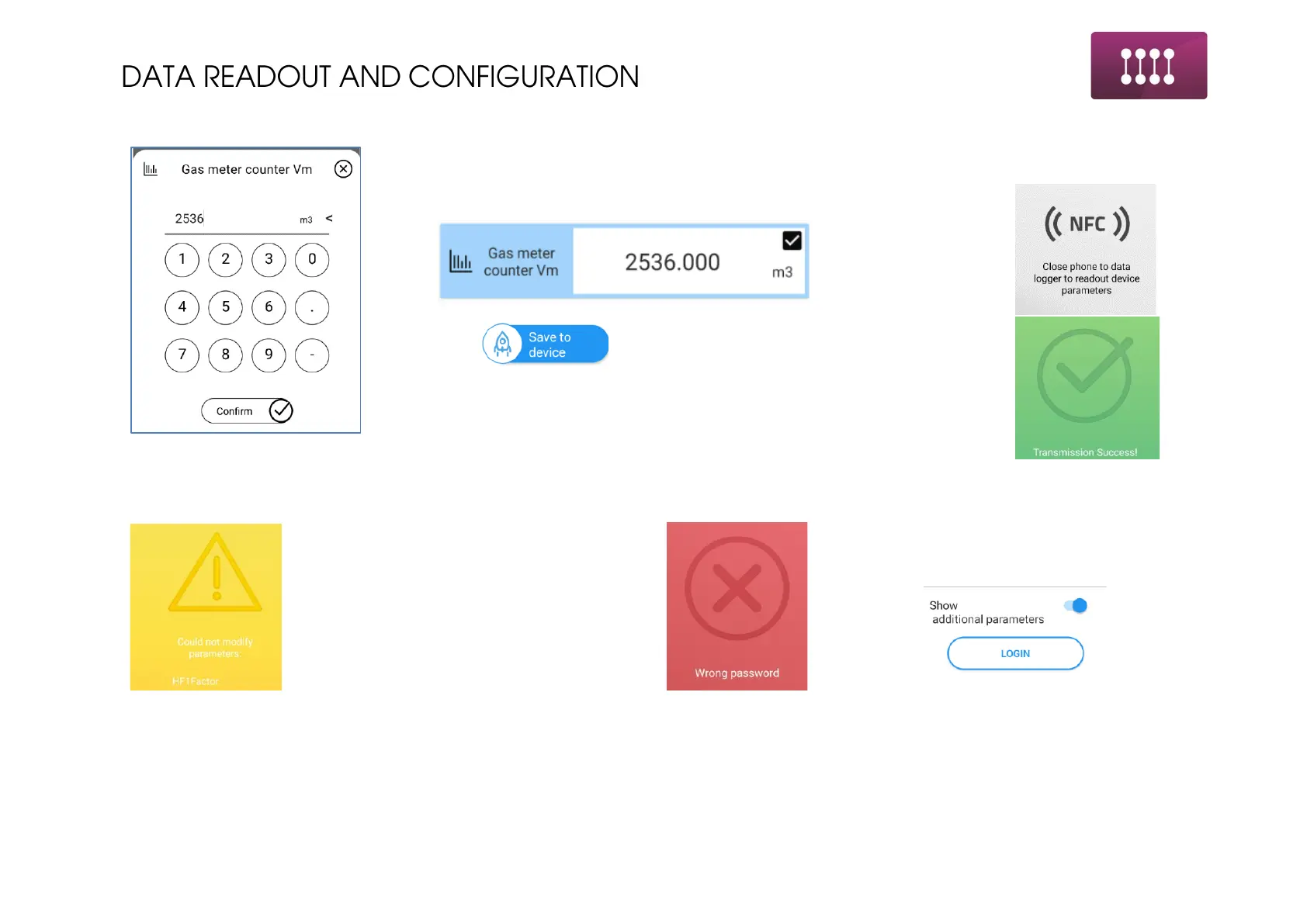
To modify the parameter click on its value and make the change.
Changed, but not saved parameter is marked on blue:
Click and depending on the configuration type follow
proper action:
• NFC – close the phone to the NFC area on the device
• Bluetooth – wait for confirmation of the success
Possible errors during configuration:
Modification was unable to success. Possible
reasons:
• Parameter out of programming range
• Optical head turned off – when using
Bluetooth
Modification failed due to wrong password.
Check used login and password.



 To Next Page