17-10
15
1
0
5
4
F1
Preparing to Crush
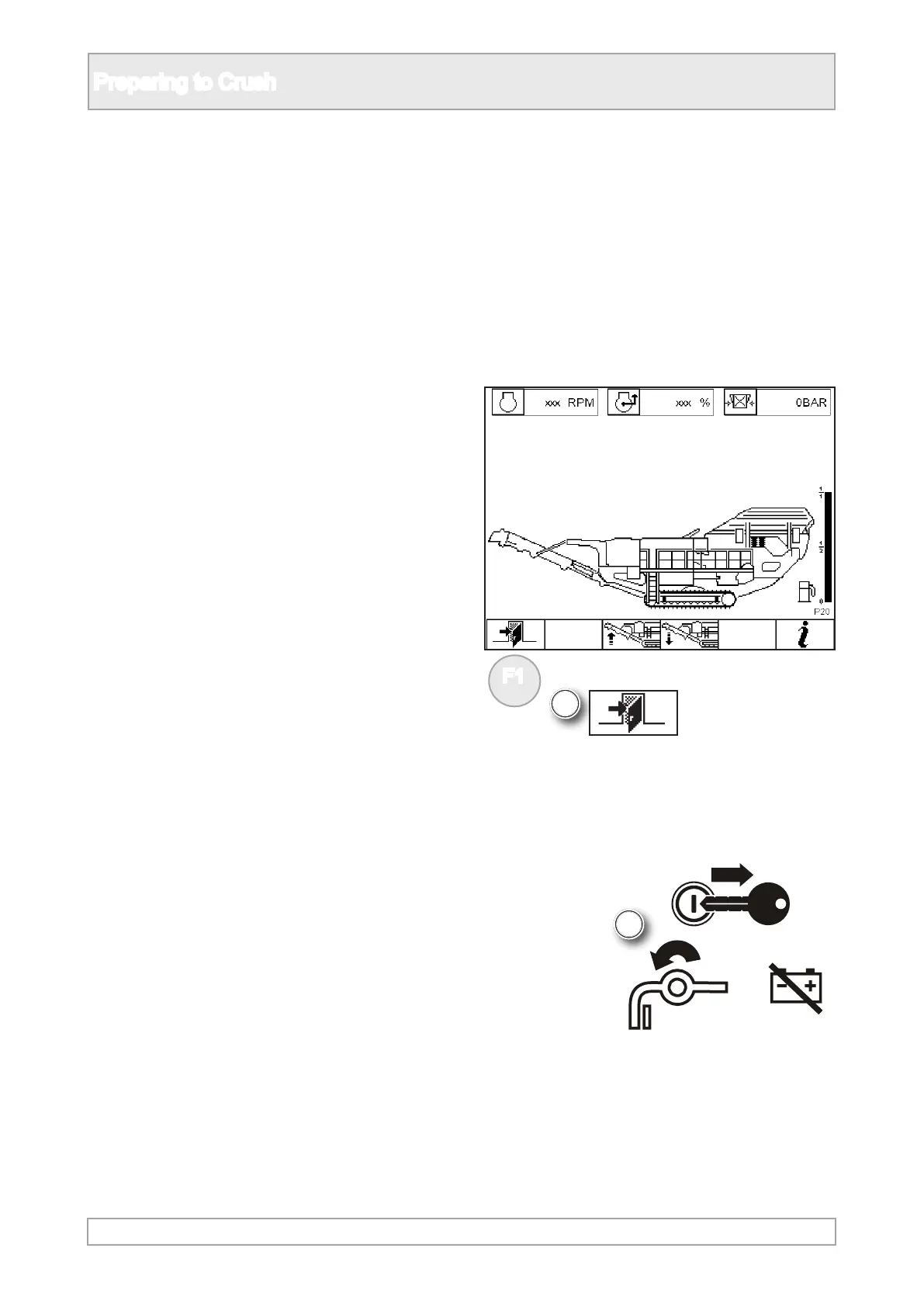
5. Stop the engine, refer to engine stop and
implement the lockout procedure, refer to safety
notices and hazards.
4. Return to screen display P00 by pressing
function button as required.
3. Fully lower the lower part of the product
conveyor into the working position, using the
control lever.



 To Next Page