17-9
Powerscreen® XA750S
F3
1
2
EN
NOTICE
After pressing a button there is a 3 second
delay, during which there is an audible
alarm and the button light ashes, before
any movement takes place.
When moving the conveyor ensure that
the hydraulic hoses and conveyor belt are
not entangled with any part of the plant.
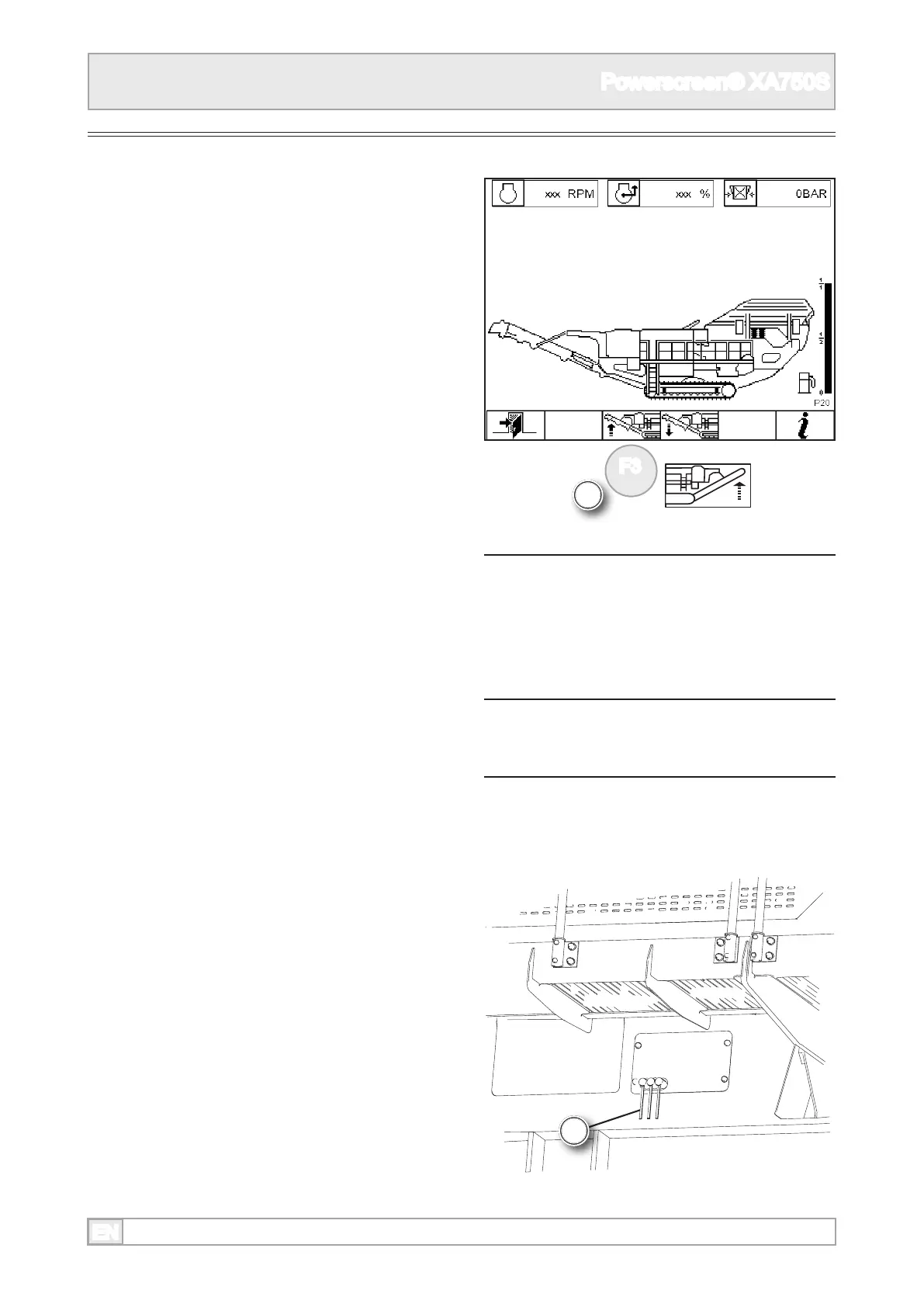
Product Conveyor
Upper Section
1. Press and hold the product conveyor raise
function button until the conveyor is fully raised
into its working position.
Lower Section
2. The controls for the conveyor lower section are
located on the left side of the plant.



 To Next Page