20-4
ok
11
11
11
F6
ok
15
15
F5F4
15
14
Crusher Operation
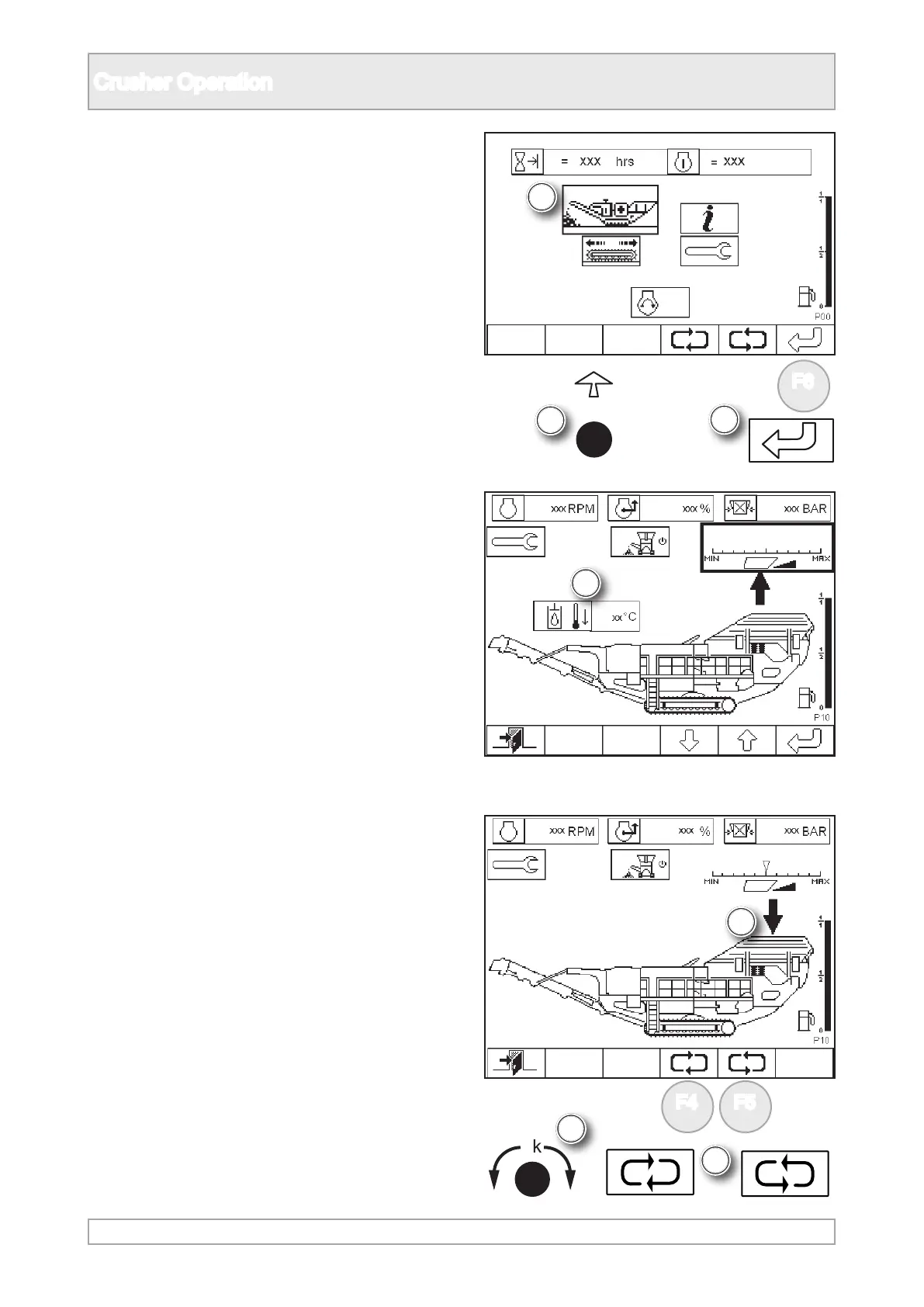
11. Select plant mode P10 by either pressing ‘ok’
or function button.
12. The plant can then be started in an automated
sequence or manually.
Starting Automatic Sequence
15. Scroll to highlight feeder using ‘ok’ knob or
function buttons.
13. For the plant to operate, the temperature of
the hydraulic system needs to be above 10 °C
(50°F).
14. The plant will not operate if the temperature
is too low and notication will appear on the
screen.



 To Next Page