20-3
Powerscreen® XA750S
ok
13
9
F1
10
10
F5F4
10
EN
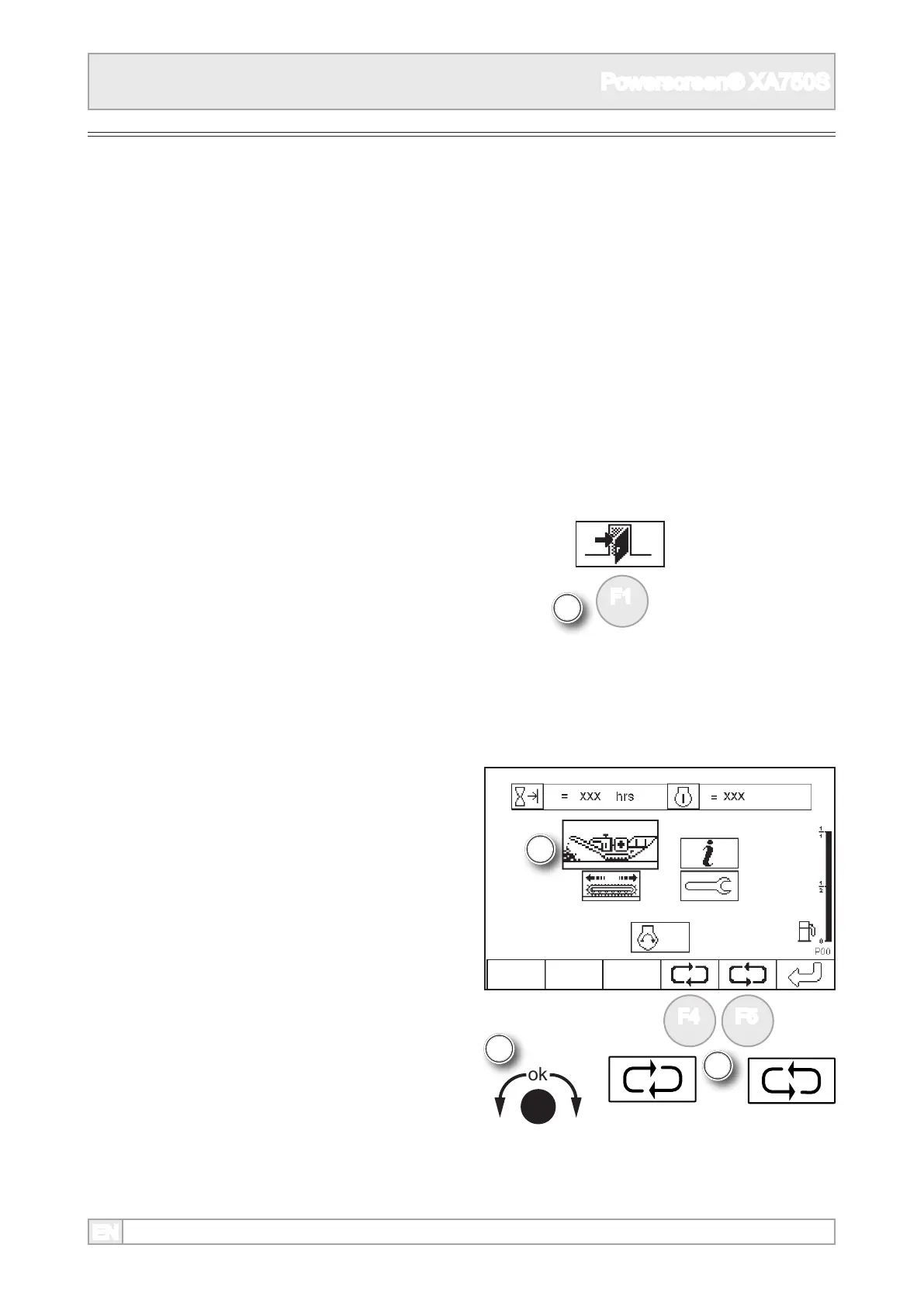
10. Scroll to highlight plant mode using ‘ok’ knob or
function buttons.
8. The plant control screen will display the last
working screen in use.
6. Observe all safety instructions.
7. Start the engine, see engine starting, leaving the
engine at its idling speed.
9. The crusher can only be operated in plant mode,
display screen P10. If the plant is not in this
mode, return to display screen P00 by pressing
function button.
Starting the Plant



 To Next Page