20-12
ok
F6
5
5
F5F4
ok
4
4
Crusher Operation
Vibrating Feeder
Starting
1. Observe all safety instructions.
2. The product conveyor and crusher should
already be running, check they are operating.
3. The feeder can only be operated in plant mode,
display screen P10, when the crusher is
running.
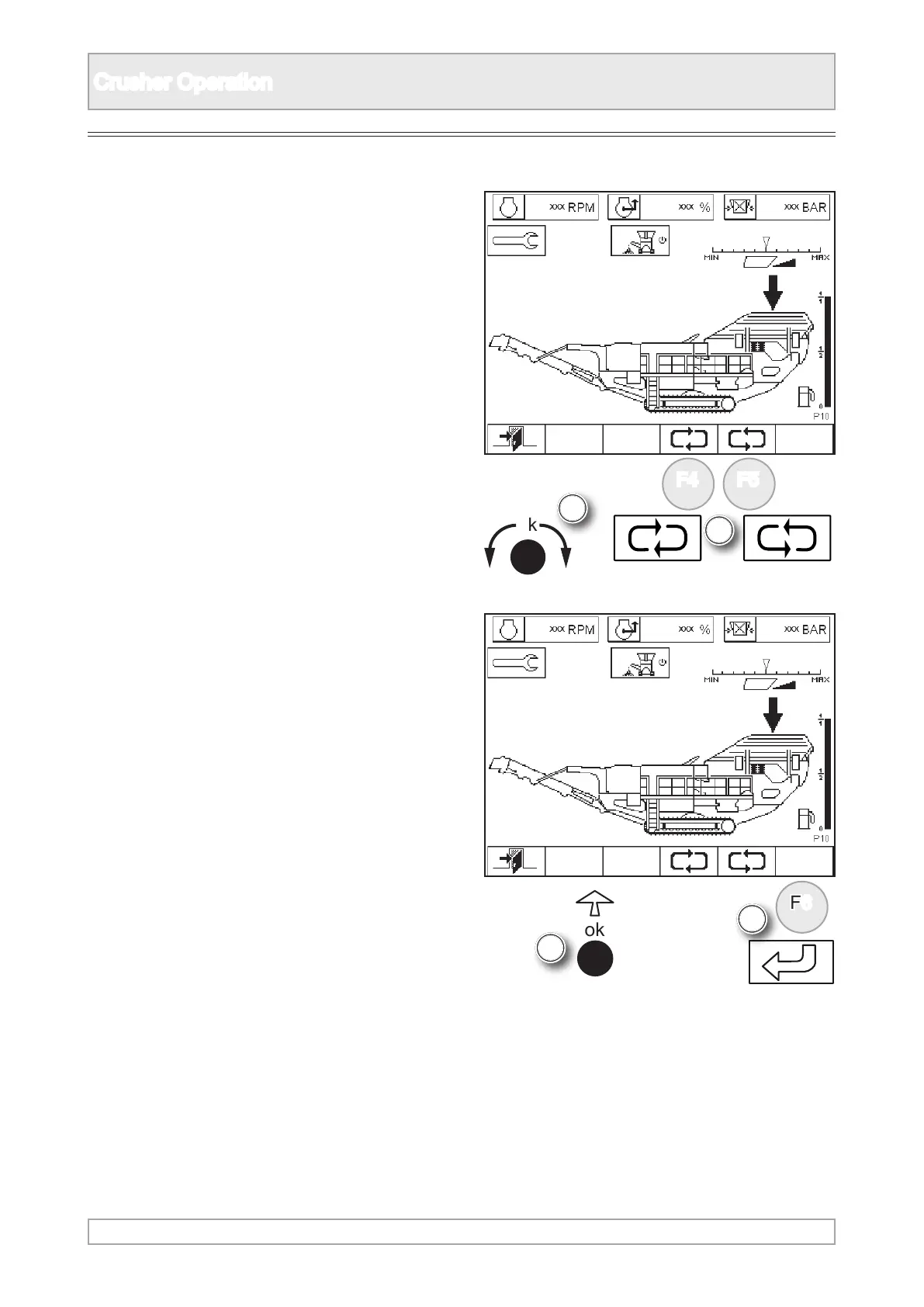
4. Scroll to highlight vibrating feeder using ‘ok’
knob or function buttons.
5. Switch on feeder by either pressing ‘ok’ or
function button.



 To Next Page