20-13
Powerscreen® XA750S
27
F2
9
6
6
EN
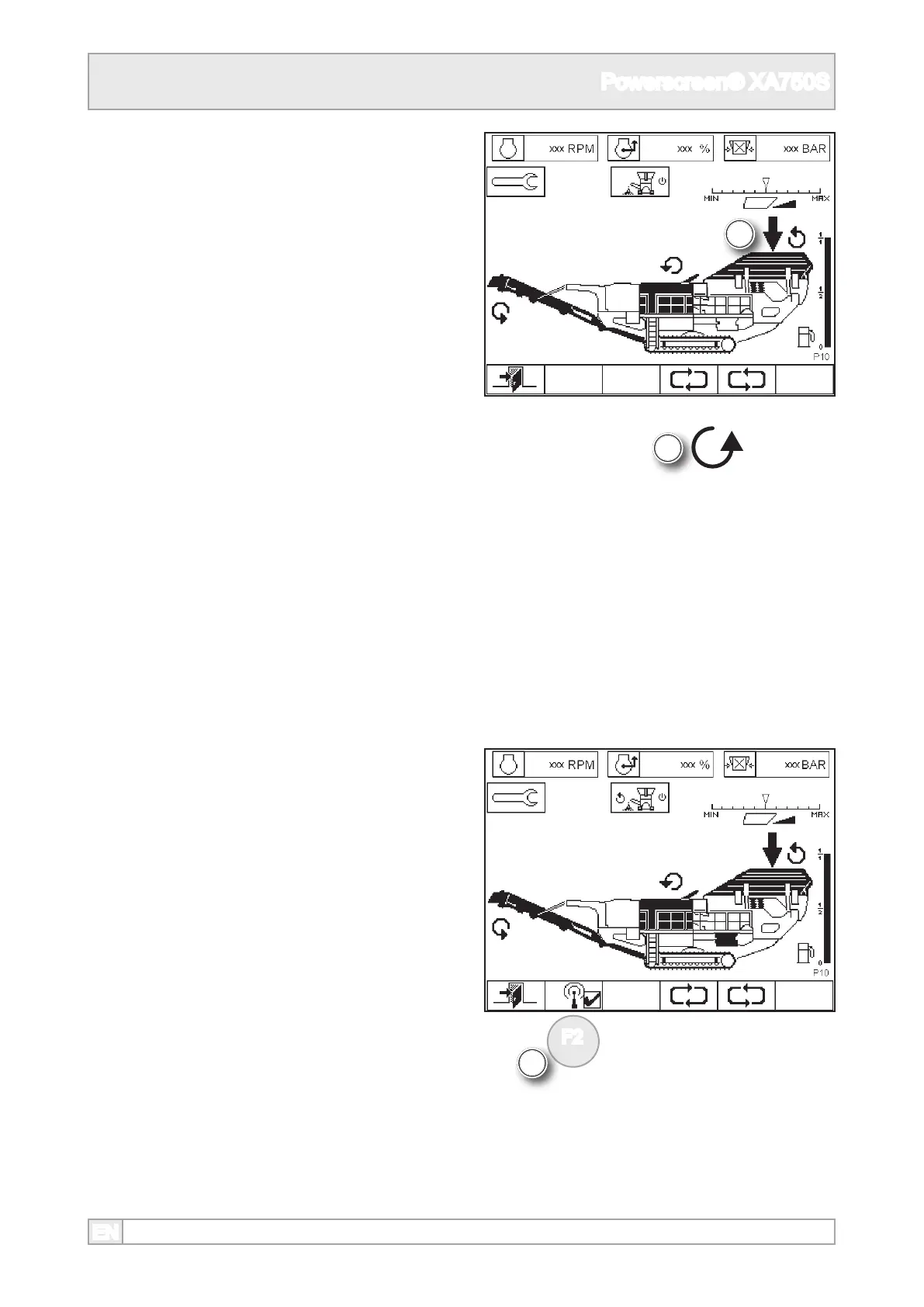
7. The vibrating feeder can also be operated
remotely with the radio remote control, if tted
and selected. Refer to feeder stop & start 860.
8. The feeder can be switched on and o remotely
with the radio remote control, if tted and
selected, but the speed can only be adjusted by
the feeder control on the plant.
6. The vibrating feeder icon has a running icon
adjacent when it is on.
9. If a radio remote control is tted and switched
on it can be switched on of o by pressing the
function button.
10. Switch radio o to control the vibrating feeder
at the plant controls.



 To Next Page