31-4
12
F6
0
ok
13
F5F4
ok
17
17
17
Preparing to Finish Crushing
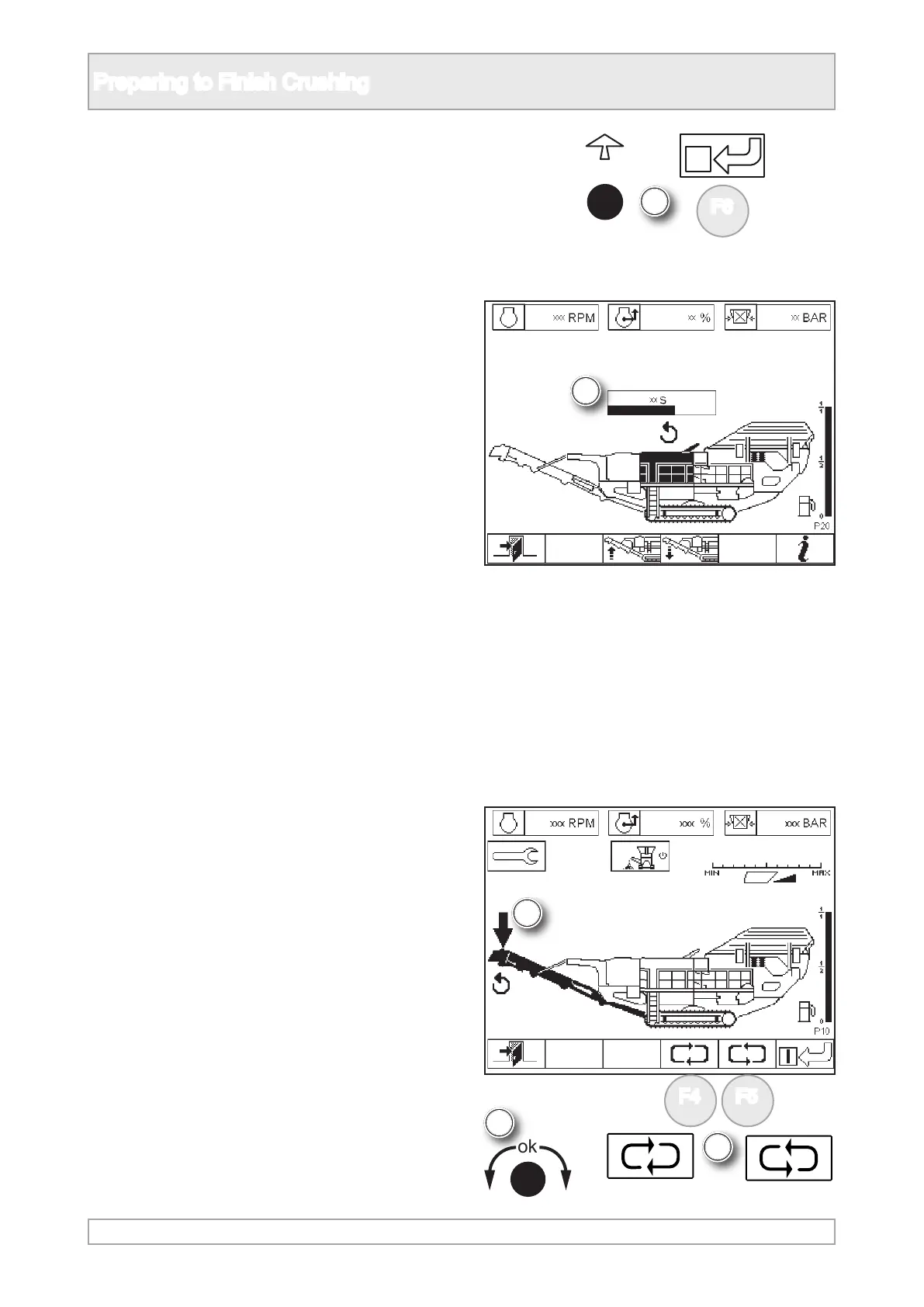
12. Switch o crusher by either pressing ‘ok’ or
function button.
Product Conveyor
15. When all materials have run o the product
conveyor, stop the product conveyor.
16. The product conveyor is operated in plant
mode P10.
13. The crusher icon and its running icon will
clear and it will follow a slowing and stopping
procedure.
14. Wait until the crusher has stopped completely
before stopping the next item.
17. Scroll to highlight product conveyor using ‘ok’
knob or function buttons.



 To Next Page