60-2
21
3
3
Wear Parts - Replacing Jaws
n WARNING
Refer to Safety Notices Section for relevant
warning and procedure.
LOCKOUT
PLANT
1. Observe all safety warnings.
Jaw Replacement
NOTICE
After turning or replacing the jaws
check the wedges are rmly seated
and the clamping nuts are secure. It is
recommended this is checked before
starting crushing again, after 3 days and
after 1 week. Further checks should also
be made at least every month.
2. Set the discharge opening to maximum to
provide maximum clearance for access and run
the crusher until completely empty.
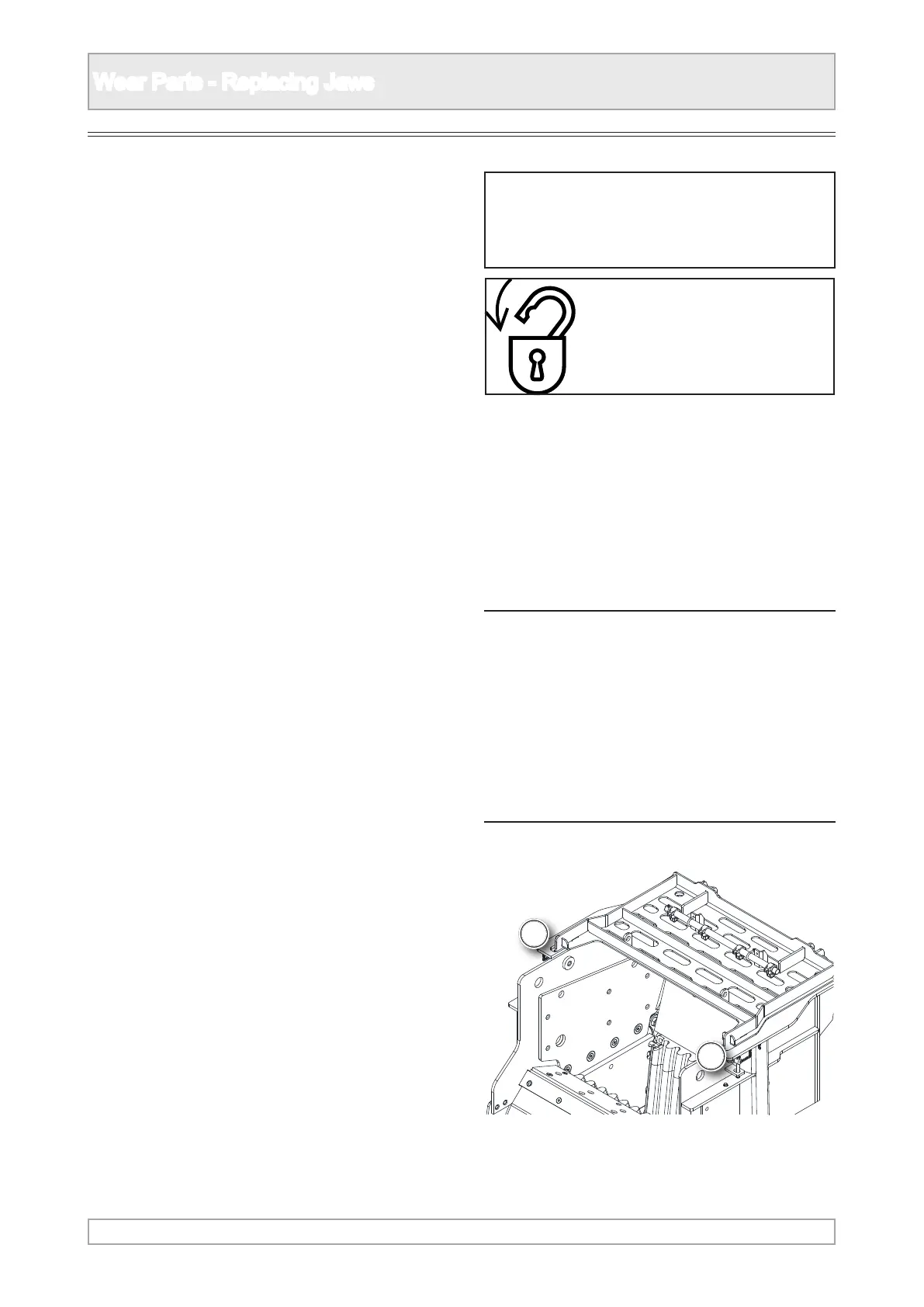
3. Remove the two securing pins to allow the
safety grid to to rotate back into the transport
position.



 To Next Page