PLX32-EIP-MBTCP-UA ♦ Multi-Protocol Gateway Start Here
User Manual
ProSoft Technology, Inc. Page 11 of 156
March 8, 2018
1.5 Jumper Settings
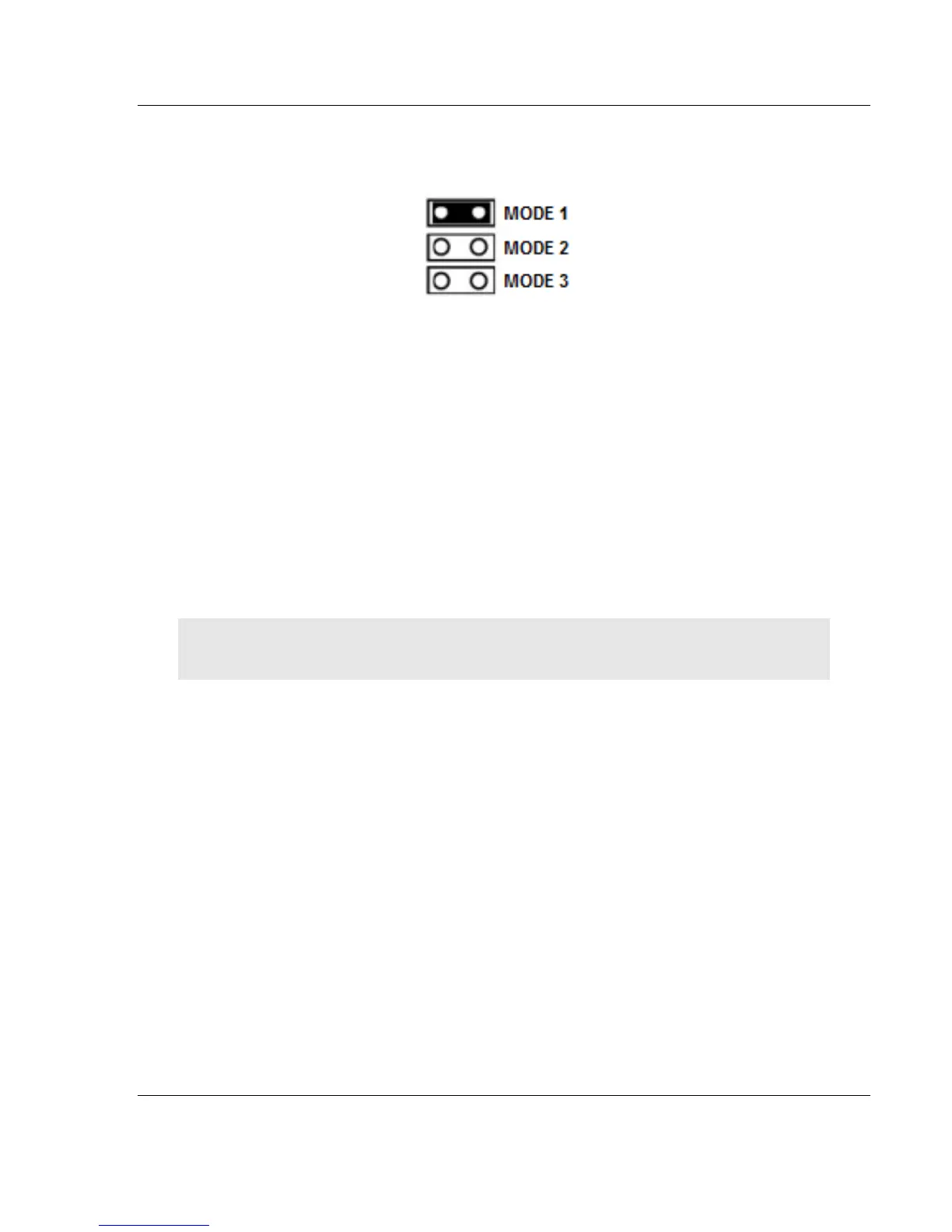
There are three pairs of jumper pins located on the back of the gateway.
MODE 1 - The two pins should be jumpered during normal operation.
MODE 2 - Default IP Jumper: This is the middle jumper. The default IP
address of the gateway is 192.168.0.250. Set this jumper to put the
gateway's IP address back to the default.
MODE 3 – If set, this jumper provides a level of security resulting in the
following behaviors:
o This jumper disables ProSoft Configuration Builder (PCB) upload
and download functions. If an upload or download request is made
through PCB, an error message occurs indicating that these
functions are unavailable.
o This jumper also disables access to the PLX32-EIP-MBTCP-UA
web page making it impossible to upgrade the firmware.
Attention: Simultaneously setting jumper MODE 1 and MODE 3 will restore the OPC UA
configuration to factory defaults.
1.6 SD Card
You can order a PLX32-EIP-MBTCP-UA with an optional SD card (Part Number
SDI-1G). In the event of a gateway failure, you can move the SD card from one
gateway to the next and resume operation.
In general, if the SD card is present when you power up or reboot the gateway,
the gateway uses the configuration on the SC card.
With an SD Card
The ProSoft Configuration Builder downloads the configuration to the SD
Card in the gateway.
The gateway does not transfer the configuration data from the SD card to
internal memory. If you remove the SD card and reboot to the gateway, the
gateway loads the configuration data from the gateway’s memory. If there is
no configuration data in the gateway’s memory, the gateway uses the factory
default configuration.



 To Next Page