PLX32-EIP-MBTCP-UA ♦ Multi-Protocol Gateway OPC UA Server
User Manual
ProSoft Technology, Inc. Page 109 of 156
March 8, 2018
If there is no NTP server available, then the NTP Server IP Address field must be
set to 0.0.0.0. Setting it to an arbitrary IP address where there is no NTP server
listening on port 123 is not recommended.
The system time can also be set manually by using the SET DATE AND TIME
function on the PLX32-EIP-MBTCP-UA web page. Note that when the page is
loaded, the default values for date and time are set to 3 seconds ahead. When
you click the UPDATE DATE AND TIME button immediately after the web page
loads, the system time sets to the PC’s time within a few seconds of accuracy.
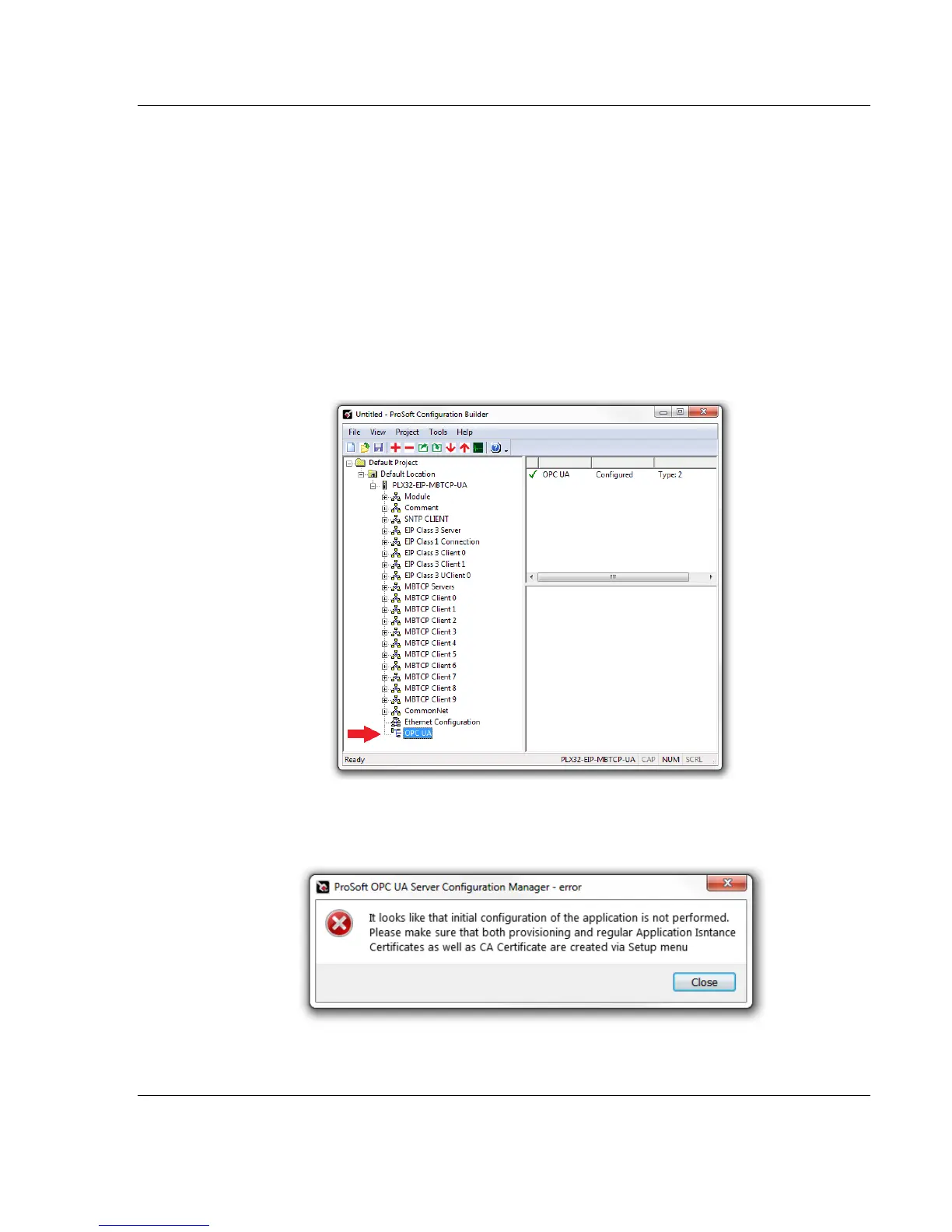
7.1.3 Launching PSW-UACM
1 In PCB, double-click on the OPC UA icon within the PLX32-EIP-MBTCP-
UA tree.
2 An error message may appear. This error is addressed later in this
chapter. Click CLOSE to continue.



 To Next Page