OPC UA Server PLX32-EIP-MBTCP-UA ♦ Multi-Protocol Gateway
User Manual
Page 148 of 156 ProSoft Technology, Inc.
March 8, 2018
7.11.2 UA Client Setup
Since UA Client configurations differ from one-another, this section covers the
general setup of the UA Client to communicate to the UA Server.
When entering the URL of the UA Server, use the following:
opc.tcp://xxx.xxx.xxx.xxx format where xxx.xxx.xxx.xxx is the IP address of the
UA Server.
It is recommended to use the most secure endpoint with Sign & Encrypt security
mode and Basic256Sha256 security policy (enabled by default).
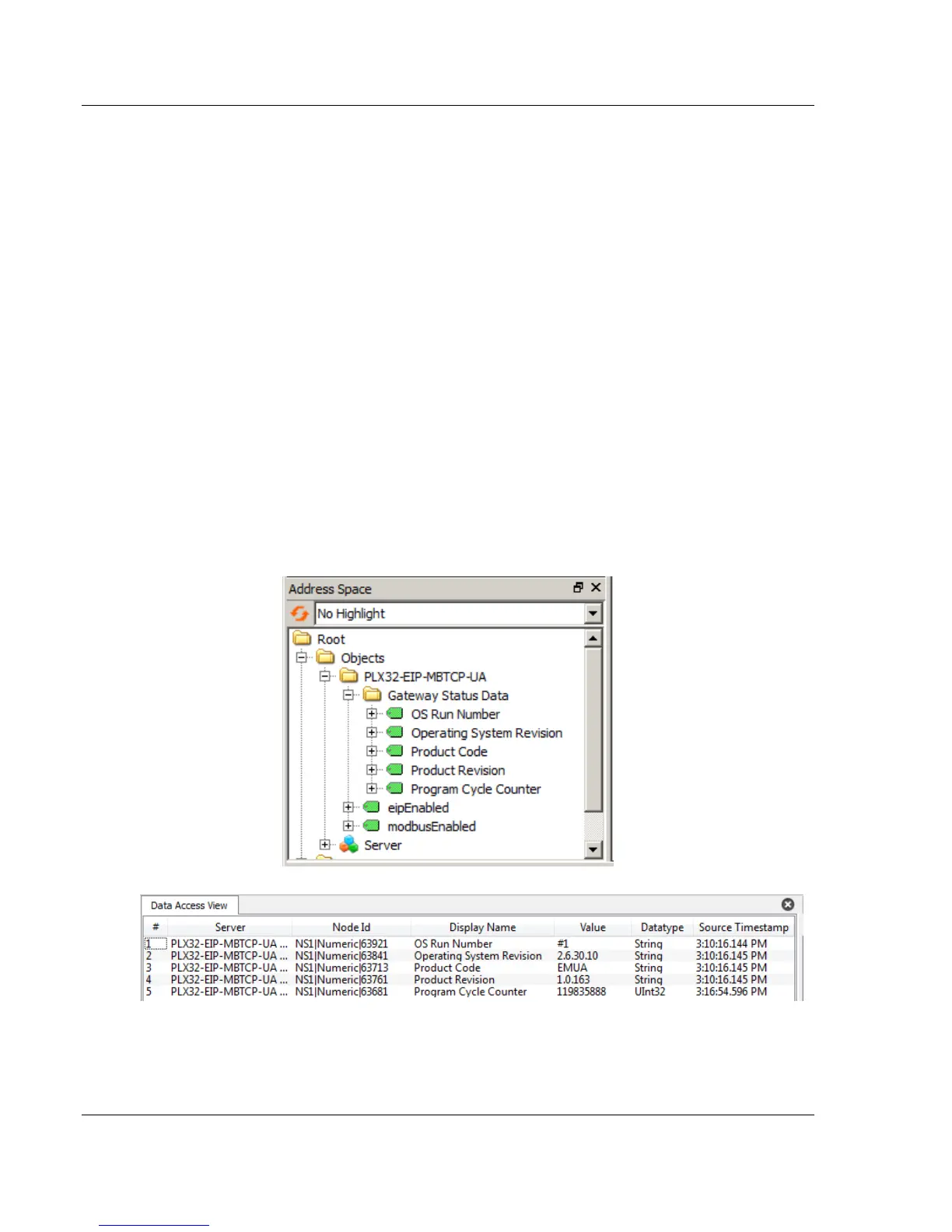
Once the connection has been made, locate the Gateway Status Data Variables.
These variables include the following PLX32-EIP-MBTCP-UA status parameters:
OS Run Number
Operating System Revision
Product Code
Product Revision
Program Cycle Counter



 To Next Page