PLX32-EIP-MBTCP-UA ♦ Multi-Protocol Gateway EIP Protocol
User Manual
ProSoft Technology, Inc. Page 45 of 156
March 8, 2018
5.2 EIP Configuration
5.2.1 Configuring EIP Class 3 Server
Use the EIP Class 3 Server connection in ProSoft Configuration Builder when the
gateway is acting as a server (slave) device responding to message instructions
initiated from a client (master) device such as an HMI, DCS, PLC, or PAC.
To set the server file size in PCB
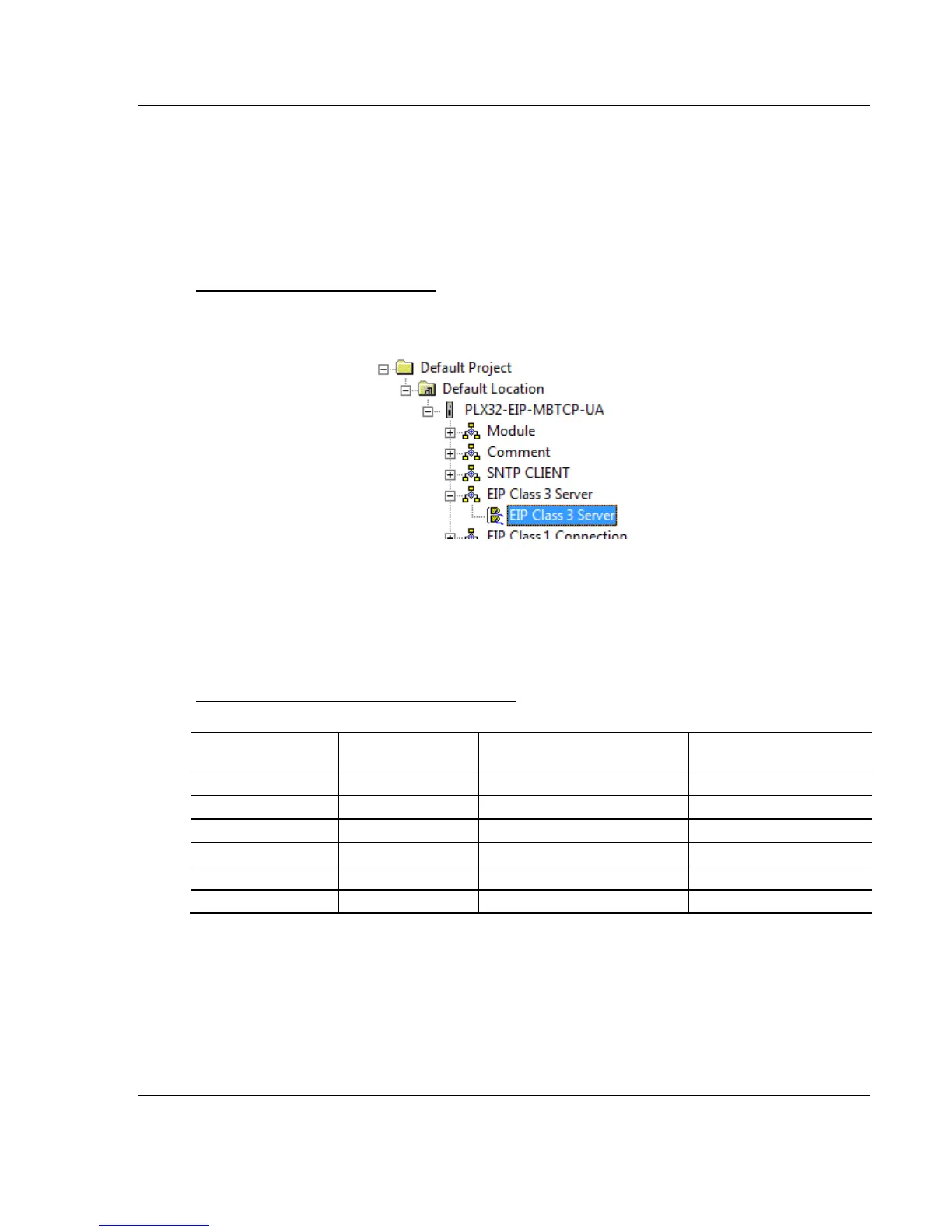
1 In ProSoft Configuration Builder, click the [+] next to the gateway, then click
the [+] next to EIP Class 3 Server.
2 Double-click the second EIP Class 3 Server to display the Edit - EIP Class 3
Server dialog box.
3 Select the SERVER FILE SIZE (100 or 1000).
o For a value of 100, the registers are from N10:0 to N10:99.
o For a value of 1000, the valid registers are from N10:0 to N10:999.
Accessing the Gateway’s Internal Memory
The following table refers to the user data area in the gateway's memory:
Length of Each Element in
CIP Message
Array Range for 4000
Element Database



 To Next Page