OPC UA Server PLX32-EIP-MBTCP-UA ♦ Multi-Protocol Gateway
User Manual
Page 128 of 156 ProSoft Technology, Inc.
March 8, 2018
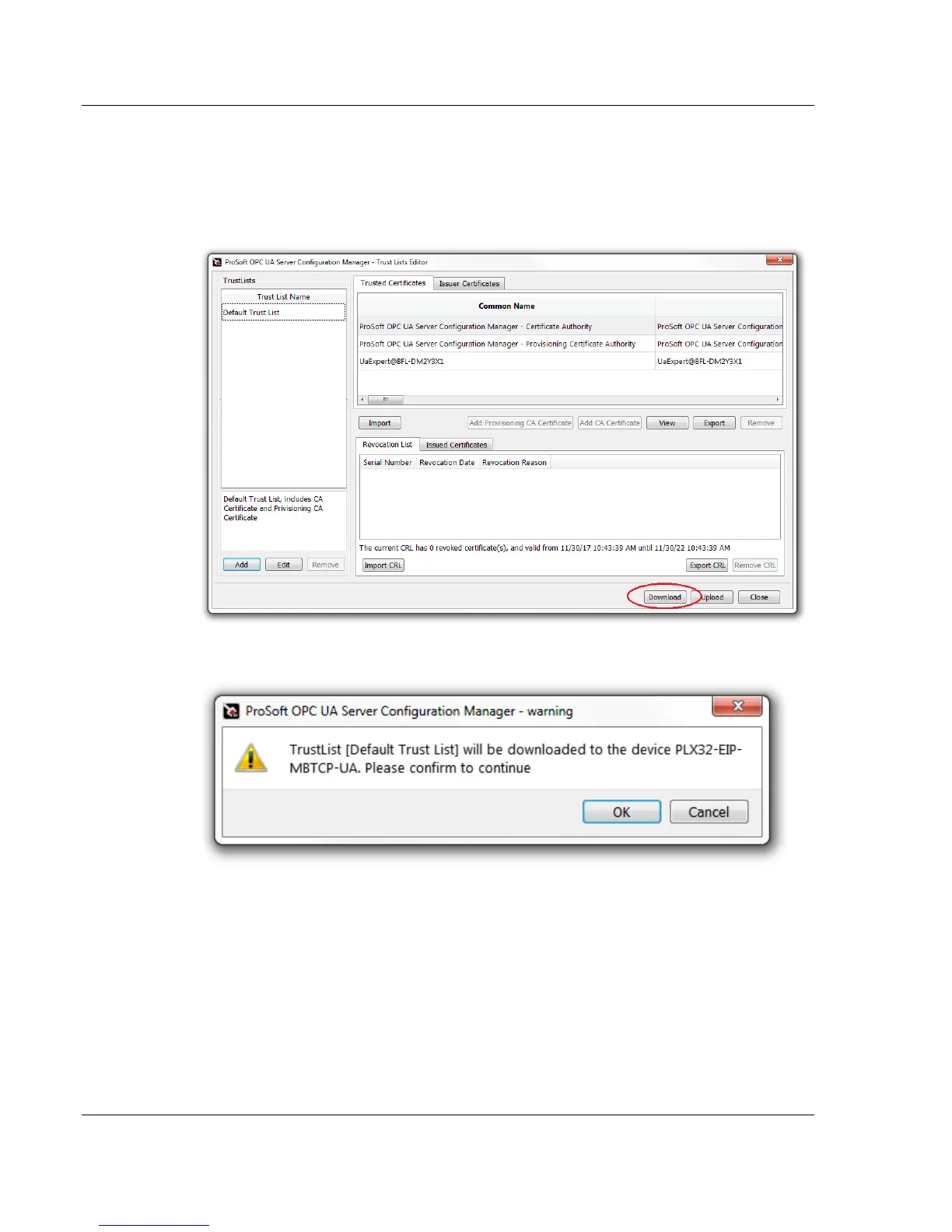
7.6 Downloading the UA Server Configuration to the Gateway
Once the client certificates are added to the trust list, it is ready to be
downloaded to the gateway.
1 In the Trust Lists Editor dialog box, click on the DOWNLOAD button
2 A TrustList warning appears, click OK.



 To Next Page