Using ProSoft Configuration Builder PLX32-EIP-MBTCP-UA ♦ Multi-Protocol Gateway
User Manual
Page 22 of 156 ProSoft Technology, Inc.
March 8, 2018
To disable or enable functionalities on the gateway after you add it to the project
1 Right-click the PLX32-EIP-MBTCP-UA icon in the tree view, and then choose
CHOOSE MODULE TYPE. This opens the Choose Module Type dialog box, with
the correct MODULE TYPE.
Warning: Note that all of the drivers are enabled by default, and that the driver state in the Choose
Module Type dialog box DOES NOT MATCH THE ACTUAL STATE OF THE DRIVERS. If you
want any disabled drivers to remain disabled, you must disable them again in this dialog box so
that the red circle or yellow triangle appears next to the port name.
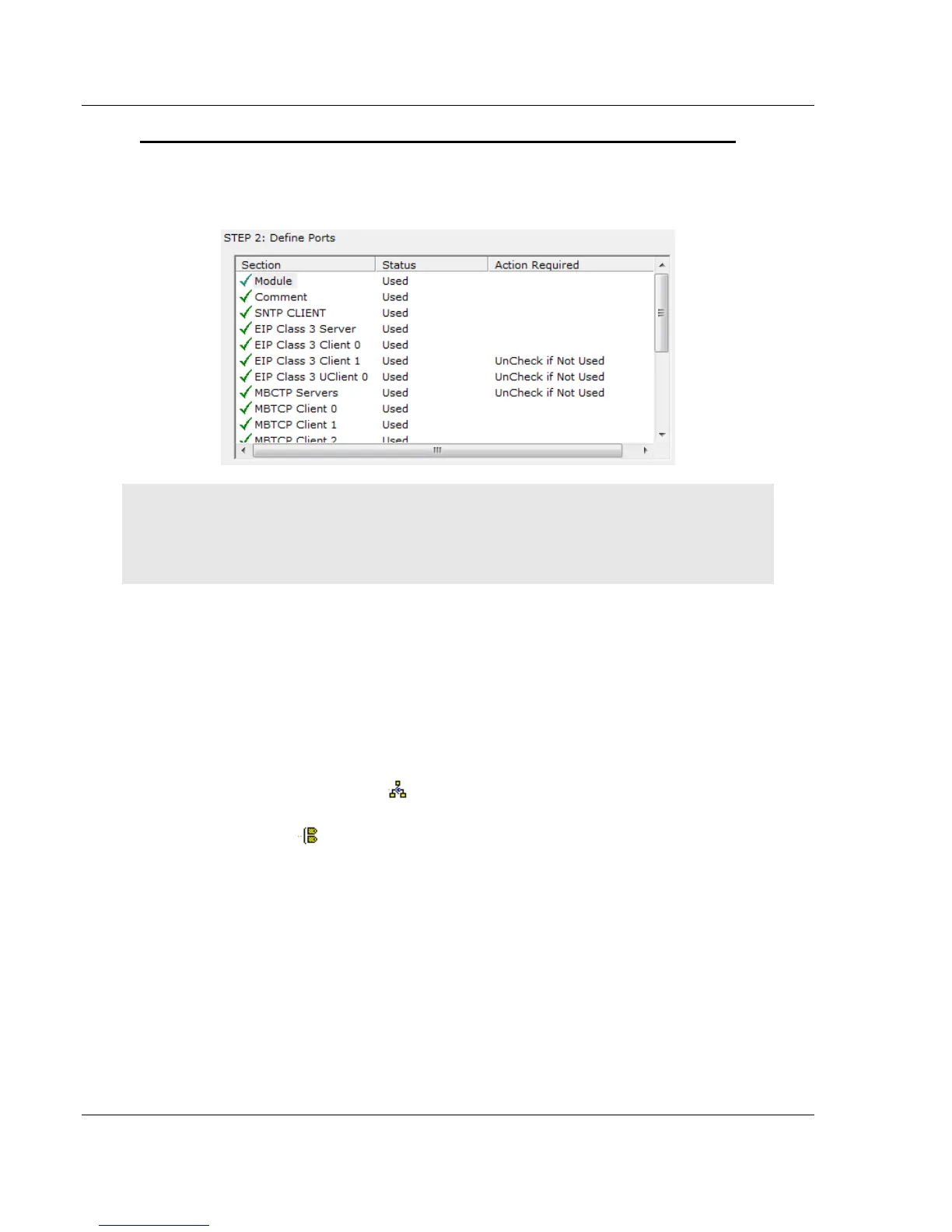
2 Click the driver functionality name to change its status from Enabled to
Disabled, or vice-versa. The same rules noted above still apply.
3 When you click OK, PCB updates the gateway in the tree view, showing the
configuration options for the enabled functionalities, and hiding the disabled
functionalities.
2.5 Configuring Gateway Parameters
1 Click the [+] sign next to the module icon to expand gateway information.
2 Click the [+] sign next to any icon to view gateway information and
configuration options.
3 Double-click any icon to open an Edit dialog box.
4 To edit a parameter, select the parameter in the left pane and make your
changes in the right pane.
5 Click OK to save your changes.
2.5.1 Renaming PCB Objects
You can rename objects such as the Default Project and Default Location folders
in the tree view. You can also rename the MODULE icon to customize the project.
1 Right-click the object you want to rename and then choose RENAME.
2 Type the new name for the object and press Enter.



 To Next Page